Disclosure: this post may contain affiliate links; AditsBlogs may earn a commission at no extra cost to you.
- Introduction
- To secure your Gmail account, do the following:
- 1. Safeguard your sensitive information
- 2. Recognizing and reporting suspicious activity
- 3. Using antivirus and anti-malware software
- 4. Regularly reviewing account settings and permissions
- 5. Avoiding public Wi-Fi networks
- 6. Educating yourself about Gmail privacy options
- 7. Avoiding password reuse and credential stuffing
- Conclusion
- **FAQs (Frequently Asked Questions)**
Are you looking for ways to secure your Gmail account and are worried about your Gmail security? Then you should definitely read this article, as I have discussed some of the basic Gmail security guidelines that most of you missed and ended up affecting your accounts.
With our increasing reliance on technology, maintaining the security of our online accounts has become more critical than ever. Gmail, one of the most popular email services worldwide, requires the utmost protection to safeguard your personal and sensitive information.
Introduction
Gmail has become essential to our digital lives, housing our personal and professional emails. It is crucial to ensure the security of our Gmail accounts to protect our sensitive information from potential threats.
To secure your Gmail account, do the following:
In this article, we will discuss various tips and best practices to keep your Gmail account secure.
1. Safeguard your sensitive information
Sharing sensitive information via email can expose it to potential risks.
To protect sensitive information in emails:
- 1. Avoid sending sensitive data through email whenever possible.
- 2. Use end-to-end encrypted messaging apps for secure communication.
- 3. Consider password-protected file attachments when necessary.
2. Recognizing and reporting suspicious activity
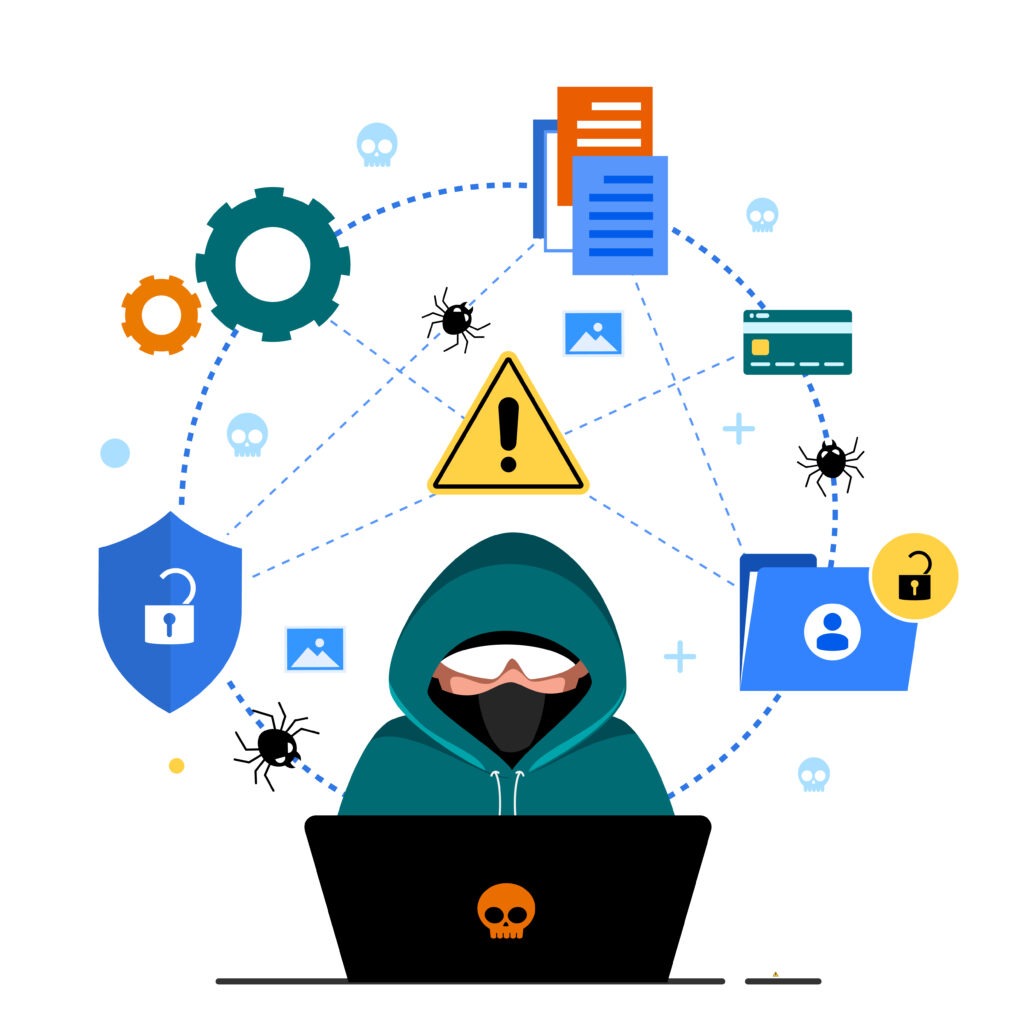
Detecting suspicious activity in your Gmail account is crucial for immediate action.
Be alert for signs such as:
- 1. Unexpected password changes or recovery emails.
- 2. Unusual email forwarding or filtering rules.
- 3. Outgoing emails that you didn’t send.
If you notice suspicious activity, report it to Google Support.
3. Using antivirus and anti-malware software
Installing reliable antivirus and antimalware software on your devices adds an extra layer of protection.
Consider using options such as:
- 1. Avast
- 2. McAfee
- 3. Norton
These programs can help detect and remove malware that may compromise your Gmail account.
4. Regularly reviewing account settings and permissions
Frequently reviewing your account settings and permissions helps you secure your Gmail account.
Here’s what you need to do:
- 1. Check and update your recovery email and phone number regularly.
- 2. Review the apps and websites with access to your Gmail account and revoke access to any suspicious or unnecessary ones.
5. Avoiding public Wi-Fi networks
Public Wi-Fi networks are often insecure and can expose your communications to potential threats. Follow these tips to ensure secure internet connections:
- 1. Avoid logging into your Gmail account or conducting sensitive activities on public Wi-Fi.
- 2. Use a virtual private network (VPN) for secure browsing and email access when necessary.
6. Educating yourself about Gmail privacy options
To secure your Gmail account, you need to clearly understand Google’s privacy settings. Gmail provides various privacy settings and options to customize your experience. Take the time to familiarize yourself with these options:
- 1. Explore the Gmail settings menu for privacy-related preferences.
- 2. Customize settings like email visibility, read receipts, and email forwarding according to your preferences.
7. Avoiding password reuse and credential stuffing
Reusing passwords across different accounts increases the risk of unauthorized access to your Gmail account. For securing your Gmail account, avoid password reuse and credential stuffing.
- 1. Use unique and strong passwords for each of your accounts.
- 2. Consider using a password manager to remember and generate strong passwords.
Conclusion
Keeping your Gmail account secure should be a top priority to protect your personal and professional information. By following these tips, such as choosing a strong password, enabling two-factor authentication, being cautious with attachments and links, and regularly reviewing account settings, you can minimize the risk of unauthorized access and phishing attacks. Stay vigilant, and always prioritize the security of your Gmail account.
**FAQs (Frequently Asked Questions)**
1. Can I use the same password for multiple email accounts?
No, using a unique and strong password for each email account is highly recommended to avoid unauthorized access.
2. What should I do if I suspect that my Gmail account has been hacked?
If you suspect your Gmail account has been hacked, immediately change your password and enable two-factor authentication. Report the incident to Google for further assistance.
3. Should I click on links in emails even if they seem legitimate?
It is best to avoid clicking on links in emails, especially if they appear suspicious or unexpected. Instead, manually go to the official website of the organization or service mentioned in the email.
4. How often should I update my account settings and permissions in Gmail?
Reviewing and updating your account settings and permissions in Gmail at least once every few months is recommended to ensure maximum security.
5. Is it necessary to use antivirus software for my devices?
Antivirus software is highly recommended as it helps protect your devices from malware and viruses that can compromise your Gmail account.
More on Tech-Tutorials
More on Tech
Recent Posts
We are on YouTube!
[youtube-feed feed=1]