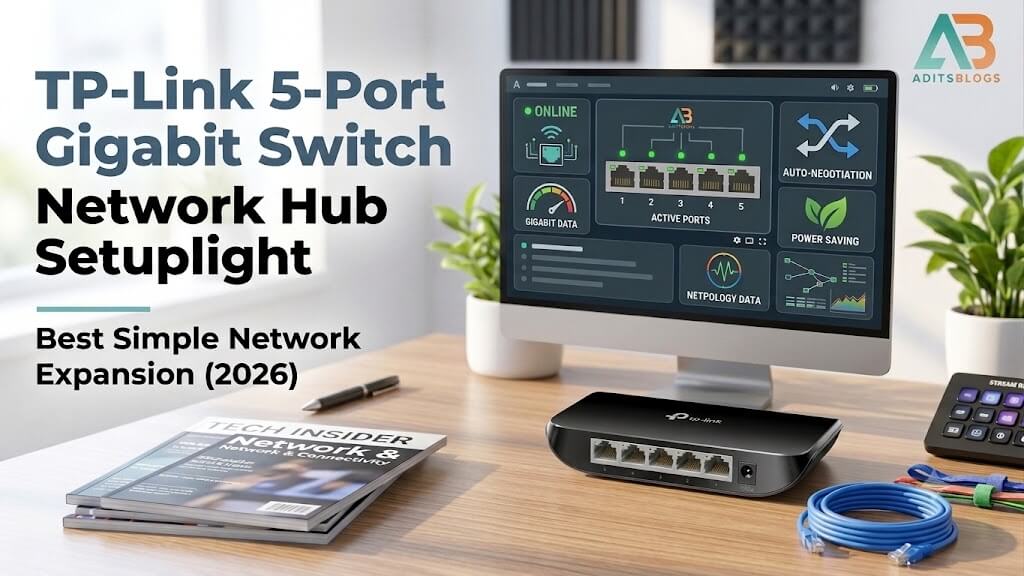
One Ethernet cable reaches your desk or TV cabinet, but several devices need a wired connection. That is the problem a small unmanaged network switch is designed to solve. It does not create an internet connection or replace the router; it expands one existing LAN connection into several usable ports.
- Quick verdict and the port-count reality
- What “gigabit” means in a real home network
- Compatibility and setup checklist
- When to choose a different switch
- Pros
- Limitations
- Who it is for, final checks and FAQs
- Does a five-port switch connect five devices?
- Does the TL-SG1005D replace a router?
- Will it give every device 1 Gbps internet?
- Does it supply PoE power?
- Do I need to install software?
- Can I use it for gaming?
- Authoritative sources
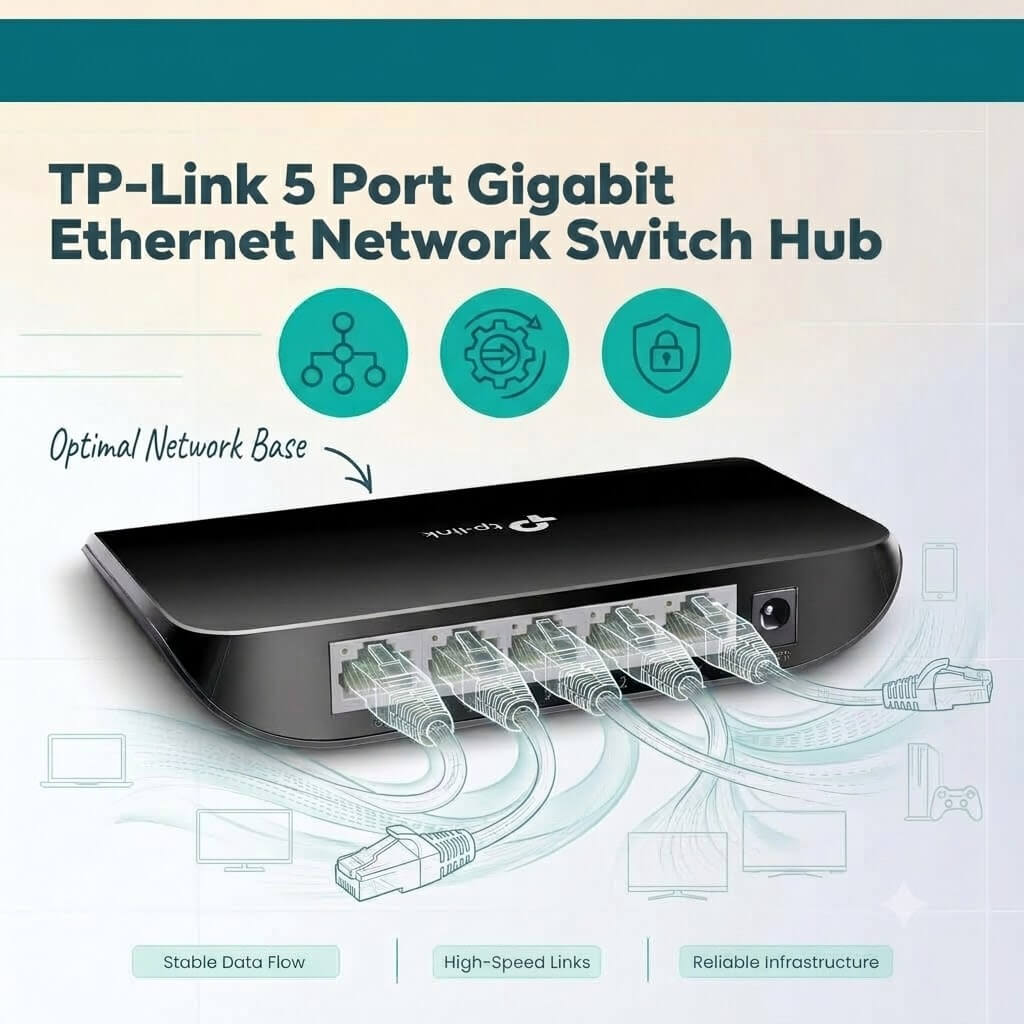
The TP-Link TL-SG1005D is a five-port unmanaged gigabit switch. TP-Link lists five auto-negotiating 10/100/1000 Mbps RJ45 ports, fanless operation and plug-and-play switching. Those are sensible basics, but the buying decision still depends on your port budget, cables, router, endpoint speeds and whether you need features such as PoE or VLAN control.
Check the current TP-Link TL-SG1005D listing on Amazon India
This guide explains those checks without assuming personal testing or promising network speeds.
Quick verdict and the port-count reality
The TL-SG1005D is a practical candidate when you already have a working router and need a few more wired connections at one location. It is unmanaged, so there is no setup dashboard to learn. Connect power, link one port to the router or upstream network, then connect the other devices.
The most important detail is the port budget. All five ports are equivalent, but a typical setup uses one port as the uplink. That leaves four ports for a PC, smart TV, console, printer, access point or another compatible Ethernet device. If you need five downstream devices today, buy at least an eight-port switch rather than filling a five-port model on day one.
Choose this type of switch for straightforward gigabit Ethernet expansion. Skip it if you need Wi-Fi, modem functions, routing, firewall rules, Power over Ethernet, configurable VLANs, link aggregation, detailed traffic monitoring or multi-gigabit ports. An unmanaged switch cannot add features your router and endpoints do not have.
| Verified item | TL-SG1005D detail | Why it matters |
|---|---|---|
| Ethernet ports | Five 10/100/1000 Mbps RJ45 ports | One is normally used for the uplink, leaving four device ports. |
| Negotiation | Auto-negotiation and Auto-MDI/MDIX | Each link negotiates speed; ordinary patch cables do not need crossover planning. |
| Management | Unmanaged | No VLAN dashboard, user accounts or configuration interface. |
| Cooling | Fanless | No fan noise, but placement should still allow normal ventilation. |
| Switching method | Store and forward | The switch checks and forwards Ethernet frames internally. |
| Published capacity | 10 Gbps switching capacity | This is internal switching capacity, not a 10 Gbps internet port. |
| Installation | Desktop or wall-mount design listed | Plan power-socket access and cable strain before mounting. |
What “gigabit” means in a real home network
Each port can negotiate a 1 Gbps Ethernet link when the switch, cable and connected device all support it. That does not guarantee a 1 Gbps speed test. Internet performance is limited by the broadband plan, router, remote server, protocol overhead and the slowest link in the path.
Local file transfers have similar limits. A gigabit link has a one-billion-bit-per-second signalling rate, while applications report data after Ethernet, IP and transport overhead. Storage speed, CPU load and the receiving device can become the bottleneck. A switch cannot make a 100 Mbps TV port operate at 1 Gbps, and it cannot turn an older cable or damaged connector into a reliable gigabit path.
Check every link separately. If a computer reports 100 Mbps instead of 1.0 Gbps, try a known-good Cat5e-or-better patch cable, reseat both connectors, test another switch port and confirm that the computer’s Ethernet adapter supports gigabit. Also inspect the upstream router port: a gigabit switch connected to a 100 Mbps router port still has a 100 Mbps bottleneck for traffic crossing that link.
The published 10 Gbps switching capacity is not an internet-speed claim. It describes aggregate internal traffic handling under specified conditions, including simultaneous full-duplex directions. The TL-SG1005D has no 10 Gbps physical port.
Compatibility and setup checklist
- Map the topology. Confirm that the incoming cable is from a router LAN port or another authorised LAN switch. Do not connect the switch directly to a bare fibre ONT or modem and expect it to perform the router’s job.
- Count ports with growth included. Deduct one port for the uplink. Leave at least one spare if another wired device is likely during the product’s life.
- Check link speeds. Confirm gigabit support on the router LAN port and the devices that need high throughput. A device with 10/100 Ethernet will correctly negotiate below gigabit.
- Inspect cables. Use intact Ethernet patch cables with all pairs terminated. Labelling alone does not guarantee that a damaged or poorly crimped cable will hold a gigabit link.
- Plan power and placement. The switch needs its external power adapter. Keep cables relaxed, avoid trapping the unit in a sealed hot space and preserve access to status LEDs.
- Identify the hardware revision. TP-Link India lists revision-specific documentation. Match the
Ver:marking on the unit or packaging when checking guides and support information.
For a normal home setup, power the switch, connect the upstream router LAN port, then attach downstream devices one at a time. Verify the link LEDs and confirm network access after each addition. Because the switch is unmanaged, there is no app, IP address or password to configure.
Avoid loops. Connecting two cables between the same unmanaged devices without a supported loop-prevention design can disrupt the network. One uplink is enough for this simple topology. Advanced redundancy and aggregation belong on switches and networks designed and configured for those features.
When to choose a different switch
| Requirement | Better starting choice | Reason |
|---|---|---|
| Five or more downstream devices | Eight-port or larger gigabit switch | A five-port model normally leaves four ports after uplink. |
| Power IP cameras or access points through Ethernet | Standards-compliant PoE/PoE+ switch | TL-SG1005D does not provide PoE. Check total and per-port power budgets. |
| Separate guest, IoT and work networks | Managed or smart switch plus VLAN-capable router/AP | VLANs require compatible configuration across the network. |
| Broadband or LAN above 1 Gbps | 2.5GbE or faster switch and endpoints | Every relevant port, cable path and adapter must support the higher rate. |
| Detailed traffic control or monitoring | Managed switch | An unmanaged model has no administration interface. |
| Only one USB-only computer needs Ethernet | Compatible USB Ethernet adapter | A switch does not add an Ethernet port to a computer. |
An eight-port gigabit model is often the safer choice when the five-port layout would be full immediately. PoE buyers should calculate the total wattage required by cameras or access points, not just count PoE-labelled ports. Multi-gigabit buyers should check whether their router, NAS and computers actually have 2.5GbE interfaces; one faster switch cannot upgrade slower endpoints.
Pros
- Five auto-negotiating gigabit Ethernet ports in a compact format.
- Simple unmanaged operation with no account or software setup.
- Fanless design for quiet desk or entertainment-cabinet use.
- Auto-MDI/MDIX reduces cable-type concerns for ordinary connections.
- Official India support page provides revision-specific documentation.
Limitations
- Four practical downstream ports after using one typical uplink.
- No PoE, Wi-Fi, routing, firewall, modem or DHCP-server function.
- No user-configurable VLAN, link aggregation or traffic-monitoring interface.
- No 2.5GbE or faster physical ports.
- Actual network speed remains limited by cables, endpoints, router and service.
- An external power socket is required.
Who it is for, final checks and FAQs
The TL-SG1005D suits someone who already has a working home or small-office router, needs up to four additional wired device connections at one location and wants uncomplicated gigabit switching. Typical examples include a desk with a computer and printer, or a TV area with a console and streaming device.
It is not the right fit for a camera deployment requiring PoE, a segmented business network, a 2.5GbE NAS workflow or a location that really needs five downstream ports. It also will not improve Wi-Fi coverage; that requires an access point, mesh node or other wireless solution.
For more AditsBlogs resources, visit the AditsBlogs home page, explore the free tools hub, try the SEO Brief Builder and review the affiliate disclosure.
Before buying, confirm model TL-SG1005D, ASIN B000N99BBC, the hardware revision, seller, included power adapter and local warranty terms. Count devices again, reserving one port for the usual uplink.
View the exact TP-Link TL-SG1005D listing
Does a five-port switch connect five devices?
It can use all five ports, but one is normally connected upstream to the router or LAN. That leaves four ports for downstream devices. There is no dedicated uplink port; the topology determines the role.
Does the TL-SG1005D replace a router?
No. It switches Ethernet traffic inside an existing LAN. The router normally handles internet access, NAT, DHCP and firewall functions.
Will it give every device 1 Gbps internet?
No. Each compatible link may negotiate at gigabit Ethernet, but internet speed is limited by the plan, router, upstream port, shared traffic and remote services.
Does it supply PoE power?
No. The referenced TL-SG1005D is not a PoE switch. Cameras or access points needing PoE require a compatible injector or PoE/PoE+ switch with adequate power budget.
Do I need to install software?
No ordinary configuration software is required because the switch is unmanaged. Connect power and Ethernet cables, then verify the links.
Can I use it for gaming?
It can provide a wired path for a compatible console or PC, but it cannot guarantee lower latency or fix congestion elsewhere. The router, internet service, server and cable path still matter.
Authoritative sources
- TP-Link India TL-SG1005D support and hardware revisions
- TP-Link official product comparison and specifications
- IEEE 802.3 Ethernet standard overview
- Amazon India exact TL-SG1005D listing
Specifications and listing identity were checked on 21 September 2026. Marketplace terms and hardware revisions can change; verify the current pages before purchase.