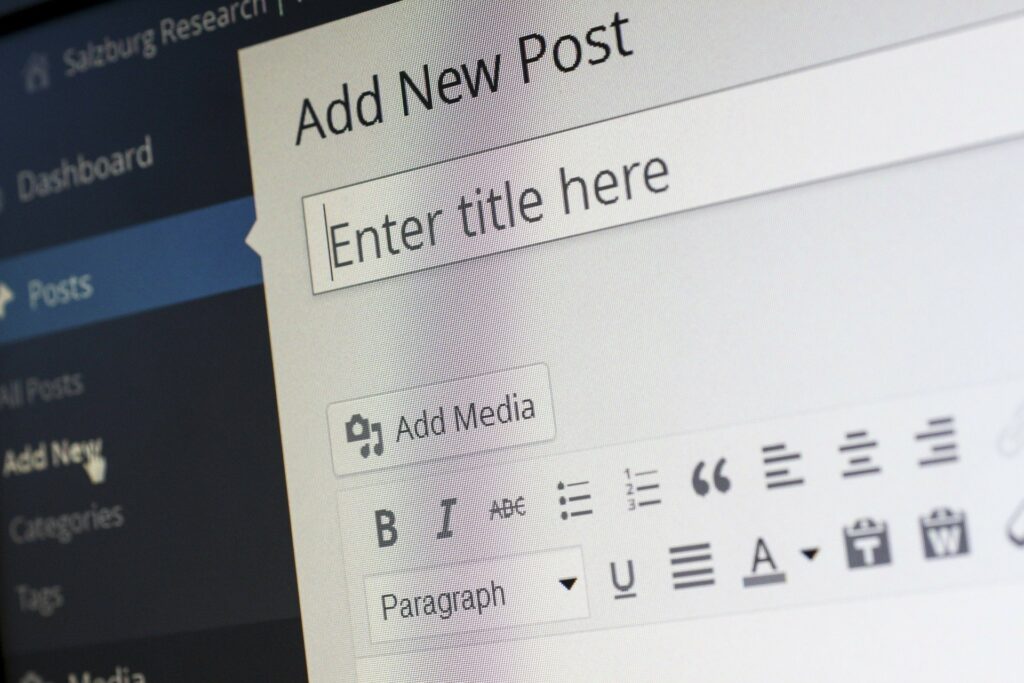
Are you thinking about starting blogging, or want to pursue blogging as a career? Then you should read this article. It is about starting blogging in simple steps.
Summary
- Choose a blog name and hosting.
- Pick a blogging platform. WordPress will be great.
- Select a theme and customize your blog.
- Adding plugins to your website
Are you thinking of starting a blog but don’t know how to start it, then this blog might help you. Starting a blog is very easy. No doubt it is one of the most promising careers in today’s time. Being a blogger is much easier than it was before.
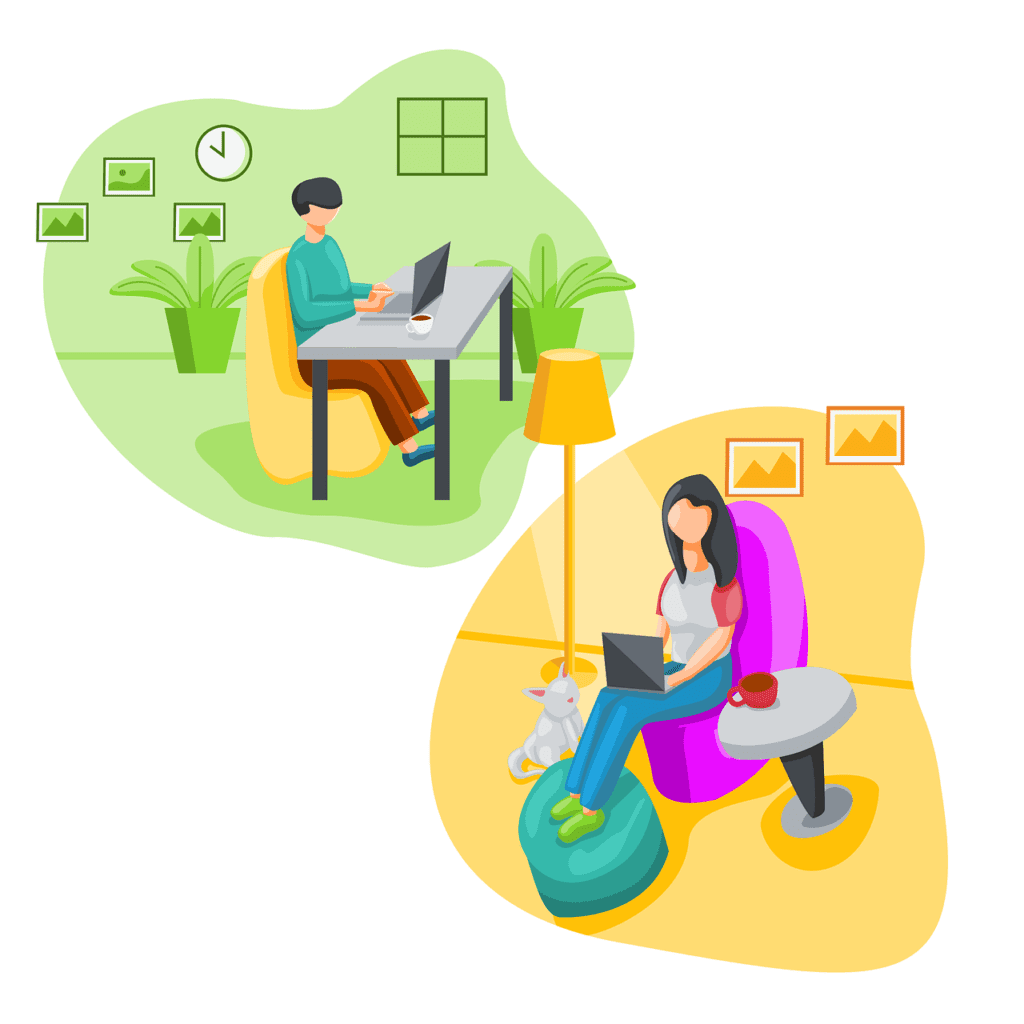
How to start blogging in 4 easy steps
- Pick a blog name and hosting.
- Pick the blogging platform, WordPress.
- Select a theme and customize your blog.
- Adding plugins to your blog
Step 1 Choose a domain and hosting. Many hosting companies provide domain and hosting at reasonable prices.
Step 2 After domain and hosting, the next thing to do is to install WordPress. You don’t have to worry about it. Your hosting company will do it for you. Check out the WordPress installation page of the hosting company to know about this.
Step 3 Pick a theme; design your blog. For designing your blog, you don’t have to learn to code. There are ready-to-install free themes available. But, if you want to purchase it, you can do it. Yet, I strongly recommend going for free ones, they are good. I, too, use a free theme.
Step 4 Adding plugins to your blog; plugins are tools for customizing your blog. These third-party tools add extra features and functions to your blog. There are different plugins, the majority are free. Security, analytics, mail, and sharing are some categories of it. Here is a list of plugins your blog must have by neilpatel.com.
Great! Your blog has been set up. But the job is not over yet. The success of your blog depends on your content. Suggestion, For writing interesting articles, read a lot.
More on Starting Blogging
More on Blogging
Recent Posts
We are on YouTube!
[youtube-feed feed=1]