

If you are serious about growing your AdSense or affiliate income, you cannot rely only on traffic—you need search terms that attract advertisers who are ready to pay a premium per click. High CPC (cost‑per‑click) keywords in niches like web hosting, software, finance, and online education often generate several times more revenue than generic informational topics.
- What Are High CPC Keywords?
- Table of Contents
- Step 1: Choose Profitable Niches and Seed Ideas
- Step 2: Use Google Keyword Planner to See CPC Ranges
- Step 3: Expand Ideas With Additional Free Keyword Tools
- Step 4: Study Competitors’ High‑Value Topics
- Step 5: Filter Keywords by Intent, Difficulty, and Revenue Potential
- Step 6: Turn High CPC Keywords Into SEO‑Optimized Content
- Conclusion
- Frequently Asked Questions (FAQ)
- 📧 Get New Posts by Email
In this guide, you will learn a clear, repeatable process to find high CPC keywords using only free tools, filter out unrealistic ideas, and turn the winners into SEO‑friendly content that can actually rank and earn.
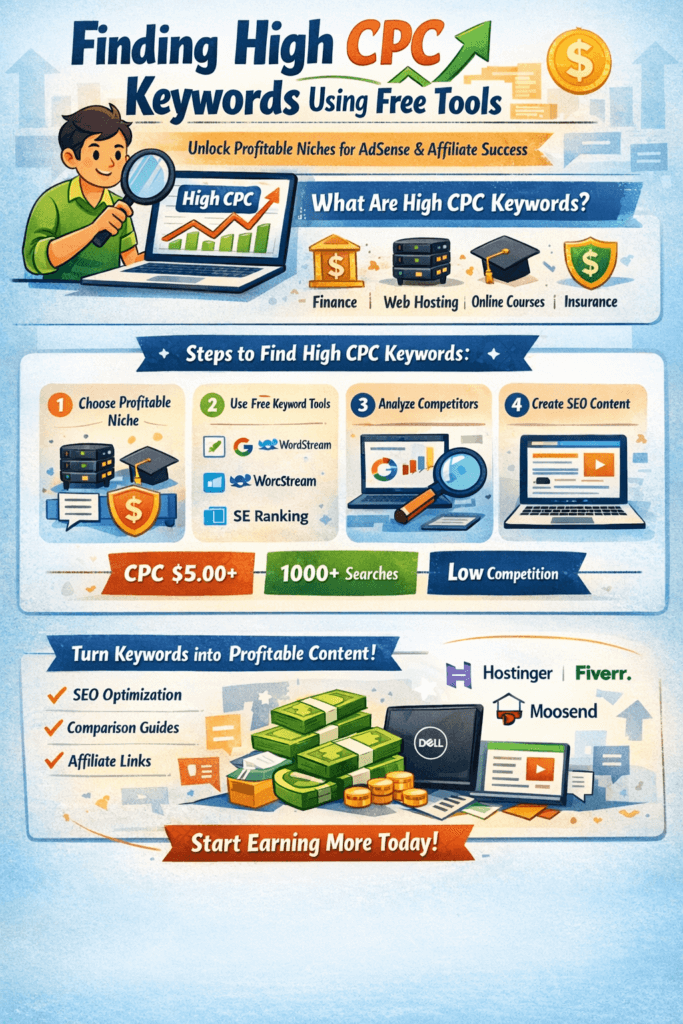
What Are High CPC Keywords?
CPC (Cost Per Click) is the amount advertisers pay for a single click on their ads. When multiple advertisers compete for the same audience, CPC rises and those keywords become extremely valuable for publishers.
SEMrush – SEO & marketing toolkit
All‑in‑one platform for keyword ideas, competitor research, basic site audits, and simple tracking of your search visibility.
Amazon – creator & work gear
Browse laptops, microphones, lighting, and other basic tools that can support blogging, recording, or work‑from‑home setups.
Some links above are affiliate links. If you choose to purchase through them, it can support this site at no extra cost to you.
In practical terms, many bloggers consider a keyword “high CPC” when the top‑of‑page bid ranges from 3–5 USD or more, while ultra‑competitive sectors such as insurance, loans, or legal services can easily go above 40 USD per click. High CPC alone is not enough, though—you still need reasonable search volume and a difficulty level you can realistically compete in.
Table of Contents
Step 1: Choose Profitable Niches and Seed Ideas
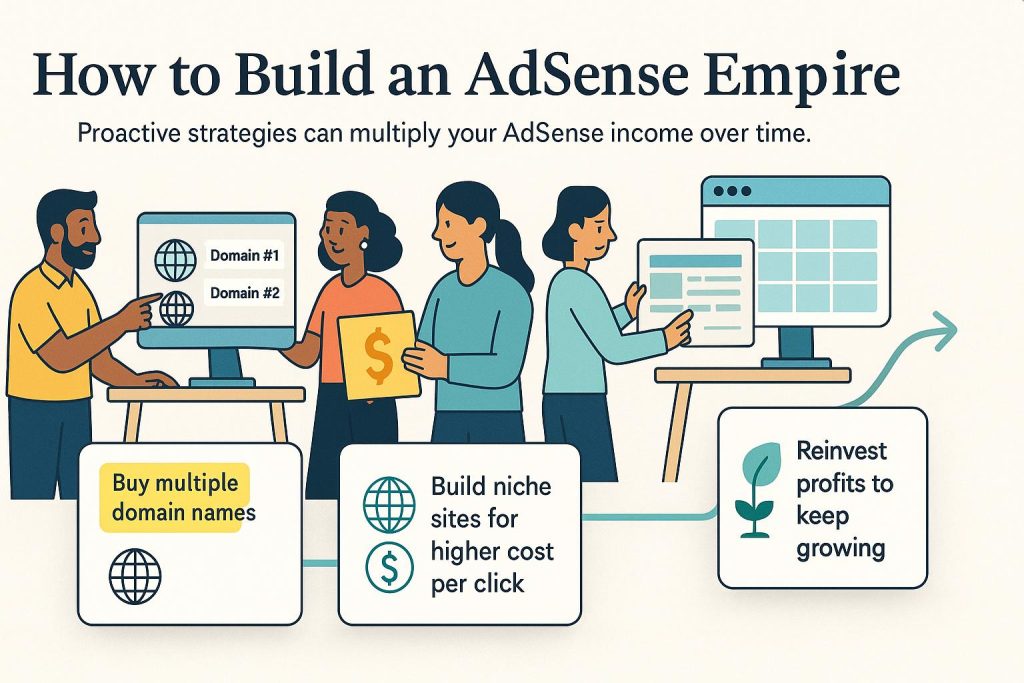
Free tools always work better when you feed them strong “seed” keywords. Instead of starting with broad terms like “blogging” or “laptop”, focus on niches with clear commercial intent, such as:
- Web hosting and domains
- Website builders and WordPress design
- SaaS tools: email marketing, CRM, automation
- Finance and insurance
- Online courses, tutoring, and certifications
- Laptops and business hardware
Example seed ideas:
- “best shared hosting for beginners”
- “cheap domain registration India”
- “email marketing tool for ecommerce”
- “online English tutor hourly rate”
- “best laptop for programming students”
If you are still at the planning stage, it helps to read a niche‑selection and setup tutorial such as the “Start Blogging” guide on AditsBlogs, then come back and apply this keyword process with a clear topic in mind.
Step 2: Use Google Keyword Planner to See CPC Ranges

The foundation of free CPC research is Google Keyword Planner, available inside a free Google Ads account. You do not need to run live campaigns to access basic keyword data.
- Create or log into your Google Ads account and open Keyword Planner → Discover new keywords.
- Enter several seed keywords (for example: “WordPress hosting”, “buy domain India”, “email marketing software”).
- Set your target country and language. For higher CPCs, many bloggers focus on English‑speaking Tier‑1 countries such as the US, UK, Canada, or Australia.
- Click Get results and review the keyword ideas.
- Pay close attention to:
- Average monthly searches
- Competition
- Top‑of‑page bid (high range) – your key CPC signal
As a simple starting filter, shortlist keywords where:
- CPC (high range) is at least around 3–5 USD,
- Search volume is at least a few hundred searches per month, and
- Competition is not “very high” (especially if your site is new).
Export or copy these promising ideas to a spreadsheet so you can refine them in later steps.
Step 3: Expand Ideas With Additional Free Keyword Tools
Once you have a base list from Keyword Planner, expand it using a few extra free tools. Each one has its own strengths, and combining them often gives you a richer set of long‑tail ideas.
WordStream Free Keyword Tool
WordStream’s free keyword tool lets you enter a seed keyword and returns related phrases along with approximate CPC and competition metrics. It is particularly useful when you want quick PPC‑style indicators without setting up complex campaigns.
Enter a phrase such as “web hosting India”, choose a location, and scan the suggestions for long‑tail keywords with strong CPC and buyer intent (words like “best”, “cheapest”, “for beginners”, “for small business”).
SE Ranking Free Keyword Tool
SE Ranking offers a limited free keyword checker where you can see search volume, CPC, keyword difficulty, and a snapshot of the SERP. This helps you understand whether you have any realistic chance of ranking.
Search your potential keyword, then:
- Sort by CPC to see which variations pay the most.
- Filter or manually scan for lower difficulty scores.
- Note long‑tail terms where both CPC and intent look attractive.
KWFinder or Similar Planner Alternatives
Tools such as KWFinder provide a free tier or trial that reveals search volume, approximate CPC, and keyword difficulty in one interface. Use these checks to validate the keywords you exported from Keyword Planner and to discover closely related long‑tail variants.
When you find a promising keyword—say “best student laptop under 600”—save it to your sheet along with its volume, CPC, and difficulty score.
For a broader overview of both free and paid keyword research tools, you can refer to the “Best Keyword Research Tools” article on AditsBlogs and build your own mini‑toolkit based on what you use most.
Step 4: Study Competitors’ High‑Value Topics
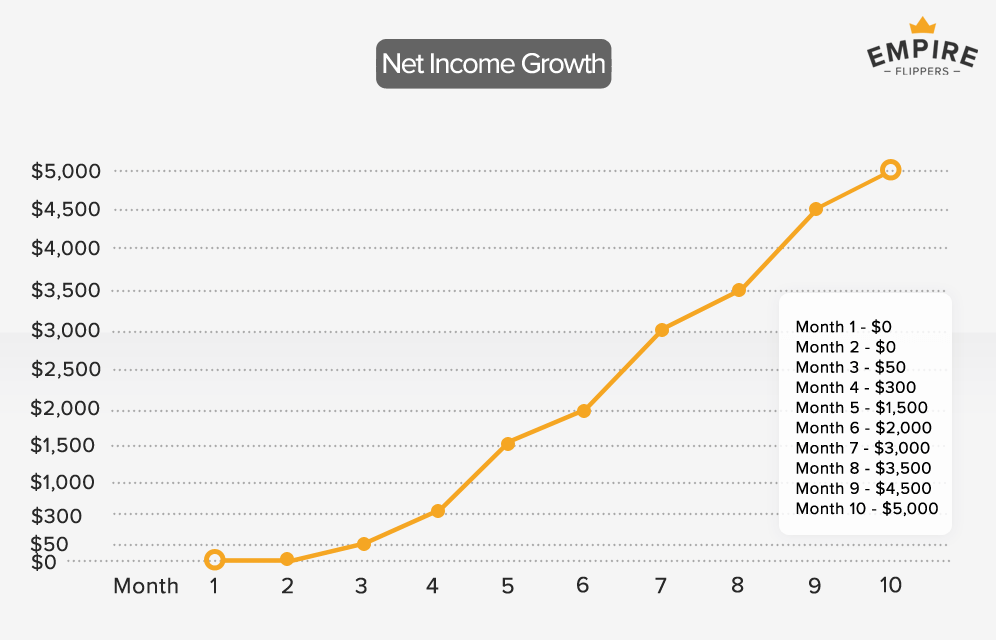
Instead of guessing, you can reverse‑engineer what already works in your niche by looking at competitors.
Many freemium SEO and PPC tools allow a few free domain lookups. Use them to:
- Enter the domain of a competitor blog, affiliate site, or SaaS brand.
- Check which keywords drive paid traffic and which pages rank organically.
- Note any keywords with visibly high CPCs or clear commercial intent.
For example, if you analyze a hosting company such as Hostinger, you will usually see campaigns around phrases like “cheap WordPress hosting”, “free domain and SSL”, or “shared hosting plans”. These are exactly the type of high‑intent queries you can build comparison articles and landing pages around.
Repeat the same process in other categories such as email marketing, online tutoring, or business laptops, then add the best terms to your master sheet.
Step 5: Filter Keywords by Intent, Difficulty, and Revenue Potential
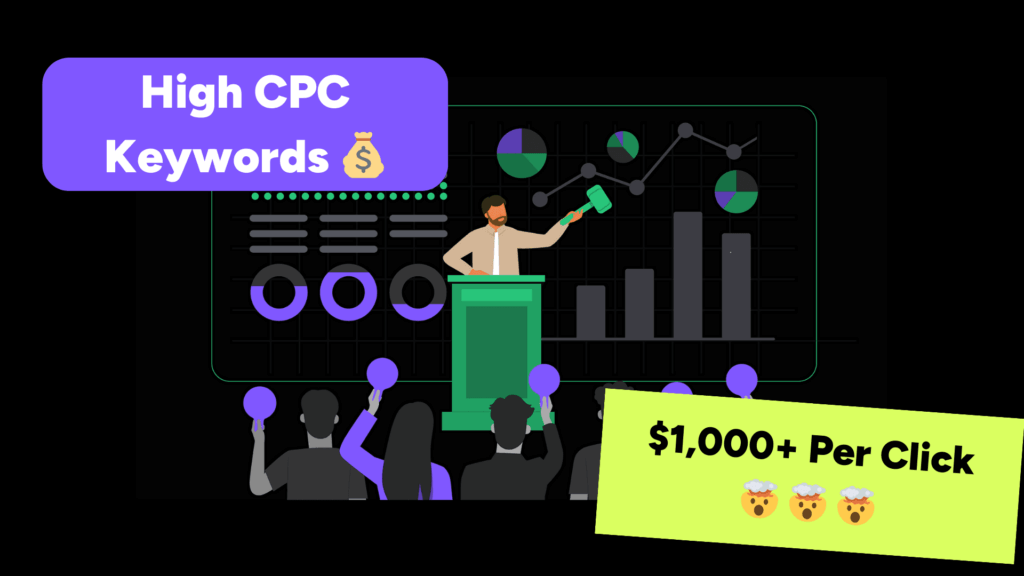
At this stage, you may have dozens or even hundreds of ideas. The next step is strategic filtering so you only invest time in content that can realistically perform.
Use this simple framework:
- Search intent
- Look for “best”, “review”, “vs”, “tool”, “software”, “service”, “course”, “hire”, “buy”, “pricing”, or “near me” type modifiers.
- These usually signal people who are ready to purchase, hire, or sign up.
- Keyword difficulty
- If your site is new, avoid ultra‑competitive head terms dominated by big brands.
- Prioritize long‑tail queries with moderate volume and lower difficulty scores.
- Top‑of‑page bid and volume
- Keep keywords where CPC and volume are both acceptable rather than focusing on extreme CPC with almost no searches.
- Topic fit and expertise
- Only keep keywords where you can genuinely add value.
- If you cannot write something better than what already ranks, consider discarding that idea for now.
Many experienced bloggers use a simple “scorecard” spreadsheet where each keyword gets a 1–5 rating for CPC, volume, difficulty, and intent. The highest‑scoring keywords become content priorities.
Step 6: Turn High CPC Keywords Into SEO‑Optimized Content
After shortlisting your target terms, it is time to create content designed to rank and convert.
Suggested on‑page structure
For an article like this one, you can follow a structure similar to:
- H1: Use the exact primary keyword once (e.g., “How to Find High CPC Keywords Using Free Tools”).
- Introduction: State the problem, who the article is for, and what they will learn.
- H2 sections: Walk through each major step or subtopic (choosing niches, using tools, analyzing competitors, etc.).
- H3 sub‑sections: Break down processes or lists.
- Comparison tables or bullet lists where helpful.
- FAQ section covering common doubts.
- Conclusion with a strong call‑to‑action (CTA).
The long‑tail keyword guide on AditsBlogs is a good example of how to integrate multiple variations of a topic into headings, subheadings, and internal links without sacrificing readability.
Conclusion
Finding high CPC keywords with free tools is not about chasing one magic number—it is about combining CPC, search volume, intent, and difficulty into a practical strategy. When you systematically mine Keyword Planner, expand your ideas with a few additional free tools, reverse‑engineer competitors, and then publish well‑structured content that truly helps readers, high‑value clicks become a predictable outcome rather than a happy accident.
Start with one niche—web hosting, email marketing, online tutoring, or laptops—build your first cluster of high‑CPC, low‑to‑medium difficulty keywords, and then grow from there.
Frequently Asked Questions (FAQ)
1. What is a “high CPC” keyword in simple terms?
A high CPC keyword is a search term for which advertisers are willing to pay more than average for each click, usually because it is closely tied to valuable products or services like hosting, insurance, loans, or software.
2. Can I rely only on free tools to find profitable keywords?
Yes. While premium SEO suites offer more data, you can absolutely build a profitable strategy around free tools such as Google Keyword Planner, WordStream’s free keyword tool, SE Ranking’s free checks, and freemium planner alternatives like KWFinder.
3. Are high CPC keywords always very competitive?
Many are, but not all. The trick is to target long‑tail variants that still have strong CPC and clear buying intent but lower competition—for example, “best shared hosting for small fitness blogs” instead of just “web hosting”.
4. How often should I update my high‑CPC keyword list?
Review your list every three to six months. CPCs and search trends change as new products appear, competitors shift budgets, and consumer behavior evolves. Regular updates keep your content calendar aligned with current revenue opportunities.
5. How do I make sure high‑CPC visitors actually convert?
Use clear headlines, benefit‑driven copy, comparison tables, and strong calls‑to‑action. Make sure your content genuinely answers the search intent, loads fast, and is easy to navigate—then integrate relevant tools (like Hostinger, Elementor, Moosend, Dell, Lenovo, etc.) in a way that feels natural and helpful.

About Aditya Singh
I write content on Blogging, Digital Marketing, Tech, and Life- skills. I also write Poetry and Short-Stories in my free time.
Related products on Amazon
Suggestions loosely based on this article
Affiliate note: Some links below are affiliate links. If you choose to buy through them, it can support this site at no extra cost to you.


Product details and prices are taken from Amazon pages and can change over time.