Disclosure: this post may contain affiliate links; AditsBlogs may earn a commission at no extra cost to you.
Do you want Free Images for your blog? Then you should give this article a read. There are websites by which you can download images and use them in your blog for free.
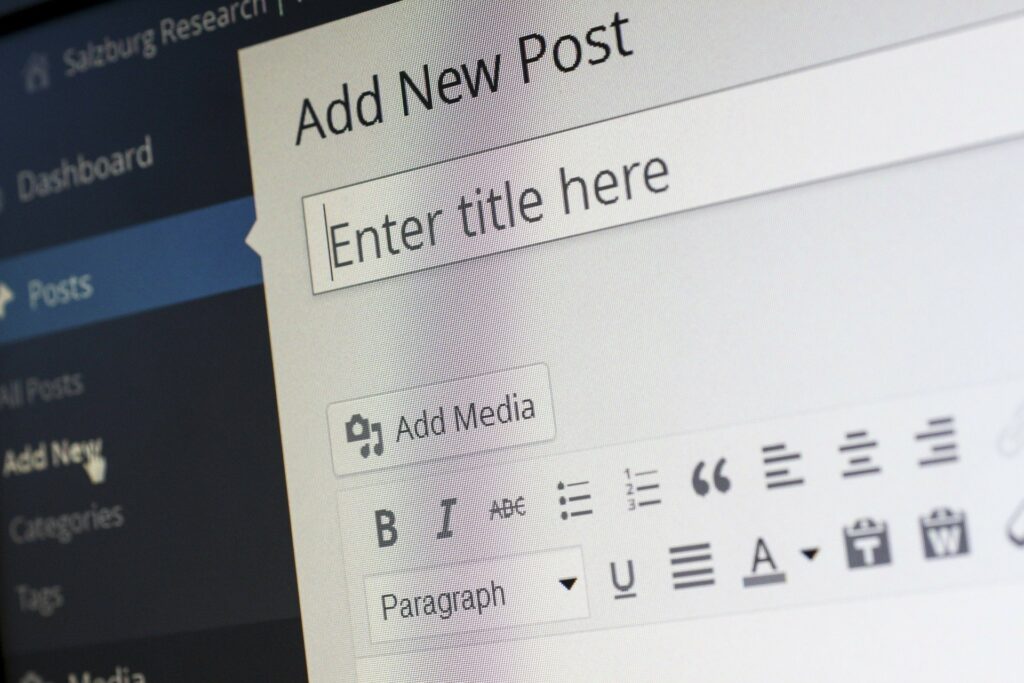
A Blog is incomplete without an image, no one likes to look at the plain text, Moreover, images make your content appealing, interesting, and engaging too. Images make your blog/Article attractive, increase website traffic and improve your Google ranking.
Here are 3 websites for free images:
1. Pixabay
Pixabay has more than 1 million images, these are royalty-free images, and you don’t have to pay for them to use them on your blog. Not only photos, but also vectors, illustrations, and videos too. Pixabay is a vibrant community of creatives, who share royalty-free images, videos, and music.
2. Unsplash

Unsplash is one of the best places for downloading free images for your blog. Its photos come under a creative commons Licence, which means they are free to use. Beautiful, free images and photos that you can download and use for any project. Better than any royalty free or stock photos.
3. Pexels

Pexels has tons of free images that you can use for your blog. The images are copyrighted and free, you can use them in your personal and commercial projects without any restrictions. Free stock photos & videos you can use everywhere. Browse millions of high-quality royalty-free stock images & copyright-free pictures.
Like the Article? Share it then.
More on Starting Blogging
More on Blogging
Recent Posts
We are on YouTube!
[youtube-feed feed=1]