Whether you are hosting client webinars, streaming coding tutorials, recording educational video courses for AditsBlogs, or attending executive meetings, the Logitech MX Brio 4K on Amazon is the most capable and refined desktop webcam on the market today.
- 1. Sony STARVIS Sensor & Advanced ISP: 2x Facial Visibility in Low Light
- 2. Innovative “Show Mode”: Downward Workspace Demonstrations
- 3. Tactile Hardware Engineering: CNC Aluminum & Rotating Privacy Shutter
- Also Read
- 4. Granular Software Controls: Logi Options+ and G HUB Precision
- 5. Dual Beamforming Microphones & High-Bandwidth USB-C 3.0
- Also Read
- The Strengths (Pros)
- The Drawbacks (Cons)
- SHOP NOW ON AMAZON – CHECK LATEST PRICE
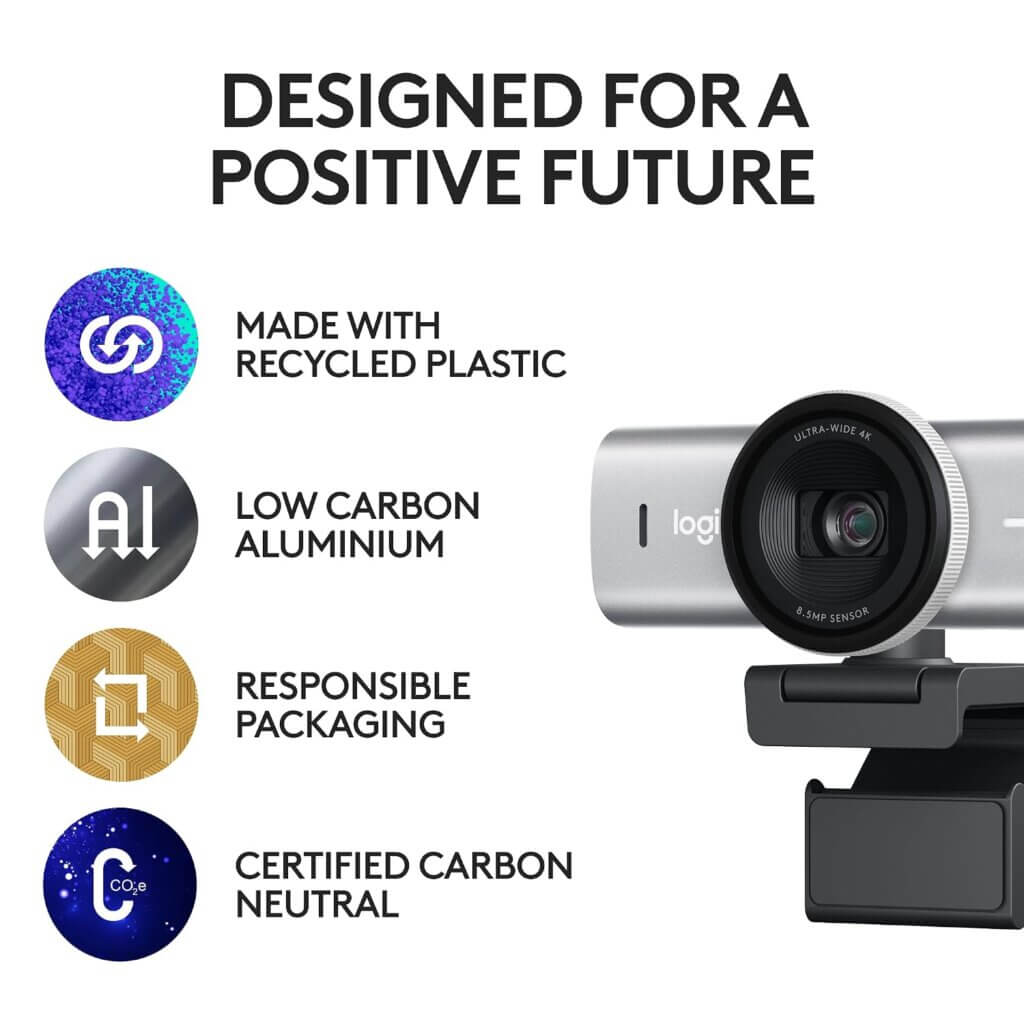
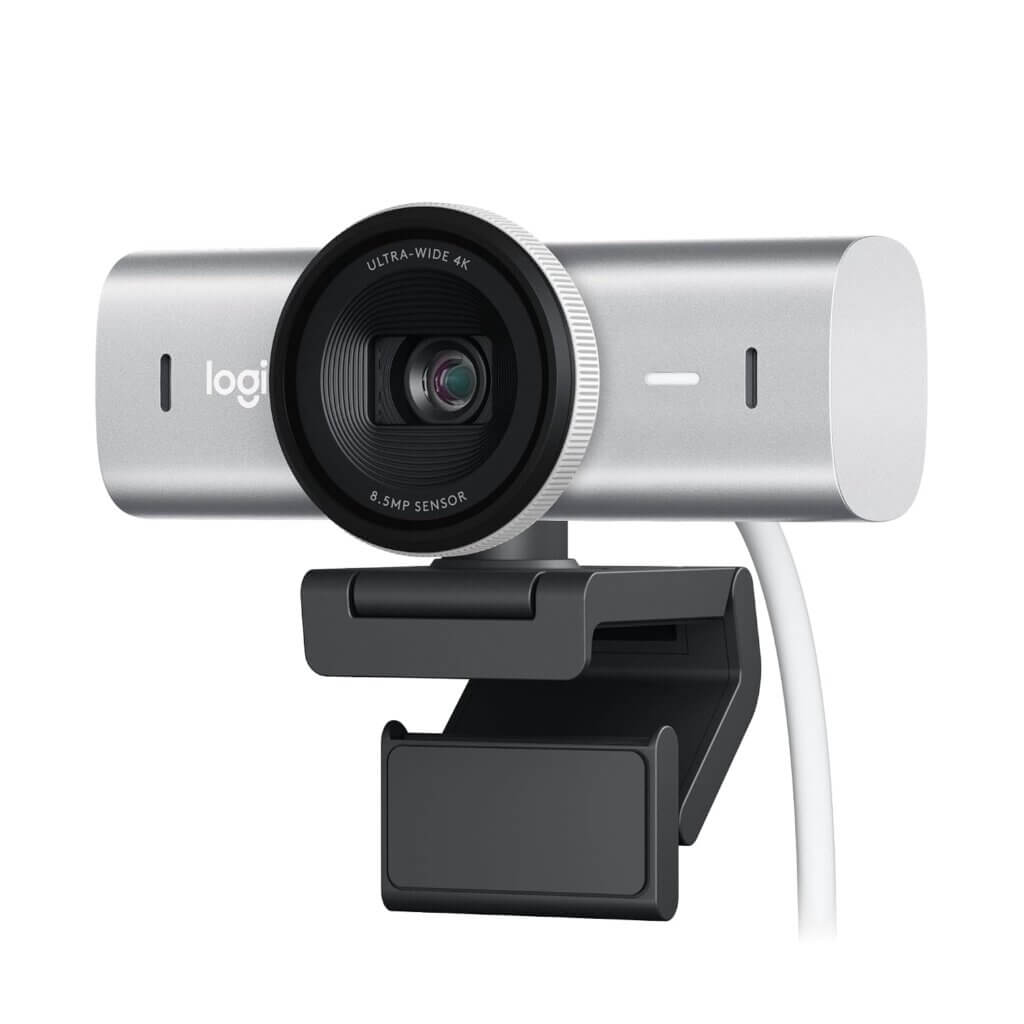
For years, users endured underwhelming webcam quality: blown-out highlights, muddy skin tones, and noisy sensors that degraded rapidly in anything less than studio lighting. The MX Brio changes that narrative completely. Featuring an 8.5MP Sony STARVIS sensor with 70% larger pixels, custom optical glass, a physical Show Mode tilt mechanism for sharing physical notes and sketches, and comprehensive manual exposure controls in Logi Options+ and G HUB, it bridges the gap between basic webcams and expensive, complicated mirrorless camera setups.
- Our Overall Rating: 9.7 / 10 (Editor’s Choice — Best Premium 4K Webcam)
- Check Current Price & Availability: View the Logitech MX Brio 4K on Amazon
Key Technical Specifications at a Glance
The following table provides verified hardware specifications and video performance metrics, referenced against manufacturer engineering data and independent lab benchmarks:
| Specification Category | Verified Hardware Details & Benchmark Metrics |
|---|---|
| Product Model | Logitech MX Brio 4K Ultra HD Collaboration & Streaming Webcam |
| Amazon ASIN | B0CK649PZ7 |
| Image Sensor | Sony STARVIS 8.5-Megapixel Back-Illuminated CMOS Sensor |
| Video Resolution & Framerate | 4K UHD (3840×2160) at 30 fps; 1080p Full HD at 60/30 fps; 720p at 60/30 fps |
| Field of View (FOV) | Diagonal FOV: 90° (Wide), 78° (Standard), and 65° (Narrow portrait) |
| Optical Zoom | Up to 4x Digital Zoom at 1080p |
| Lens Architecture | Custom multi-element anti-reflective coated optical glass lens |
| Autofocus Technology | Closed-loop phase detection autofocus (instant dual-pixel focus tracking) |
| Audio Hardware | Dual omnidirectional beamforming noise-reduction microphones |
| Microphone Range | Effective vocal pickup range up to 1.2 meters (4 feet) |
| Physical Privacy | Integrated mechanical privacy shutter (twist bezel to close) |
| Chassis & Mount | Low-carbon CNC machined aluminum body with detachable universal monitor clip |
| Connectivity | Detachable USB-C to USB-C cable (1.5 m / 5 ft, USB 3.0 high-speed compliant) |
| Software Support | Logi Options+, Logitech G HUB, and Capture (Windows 10/11, macOS 10.15+) |
Specifications verified against the official Logitech MX Brio 4K Technical Documentation and independent lab reviews on Tom’s Hardware.
In-Depth Analysis: Why the Logitech MX Brio 4K Leads the Pack
1. Sony STARVIS Sensor & Advanced ISP: 2x Facial Visibility in Low Light
Typical webcams pack tiny sensors with minuscule pixels that starve for light, resulting in severe image noise, smeary motion blur, and blown-out highlights when a window or lamp is in frame.
The MX Brio integrates an 8.5-Megapixel Sony STARVIS back-illuminated sensor:
- 70% Larger Pixels: Captures significantly more photons than previous generations (including the original Logitech Brio 4K), delivering clean, natural facial contrast even in dim home offices.
- AI-Enhanced Image Signal Processor (ISP): Evaluates face tones dynamically to ensure accurate, healthy skin tones rather than overly saturated or pale digital representations.
- HDR & Advanced Exposure Compensation: Preserves bright background windows while keeping your face properly exposed without harsh clipping.
2. Innovative “Show Mode”: Downward Workspace Demonstrations
For educators, designers, tech reviewers, and digital writers on AditsBlogs, presenting physical objects, handwritten notes, or hardware peripherals usually requires awkwardly holding items up to the camera or rigging a second overhead camera arm.
The MX Brio introduces a mechanical Show Mode hinge:
- Effortless Tilt: You can physically tilt the camera downward with one hand to point at your desk.
- Automatic Image Inversion: Built-in gyroscopic sensors automatically flip the video feed so your audience views your sketches, keyboard, or notes right-side up, rather than upside down. Returning the camera to level automatically restores your forward-facing shot.
3. Tactile Hardware Engineering: CNC Aluminum & Rotating Privacy Shutter
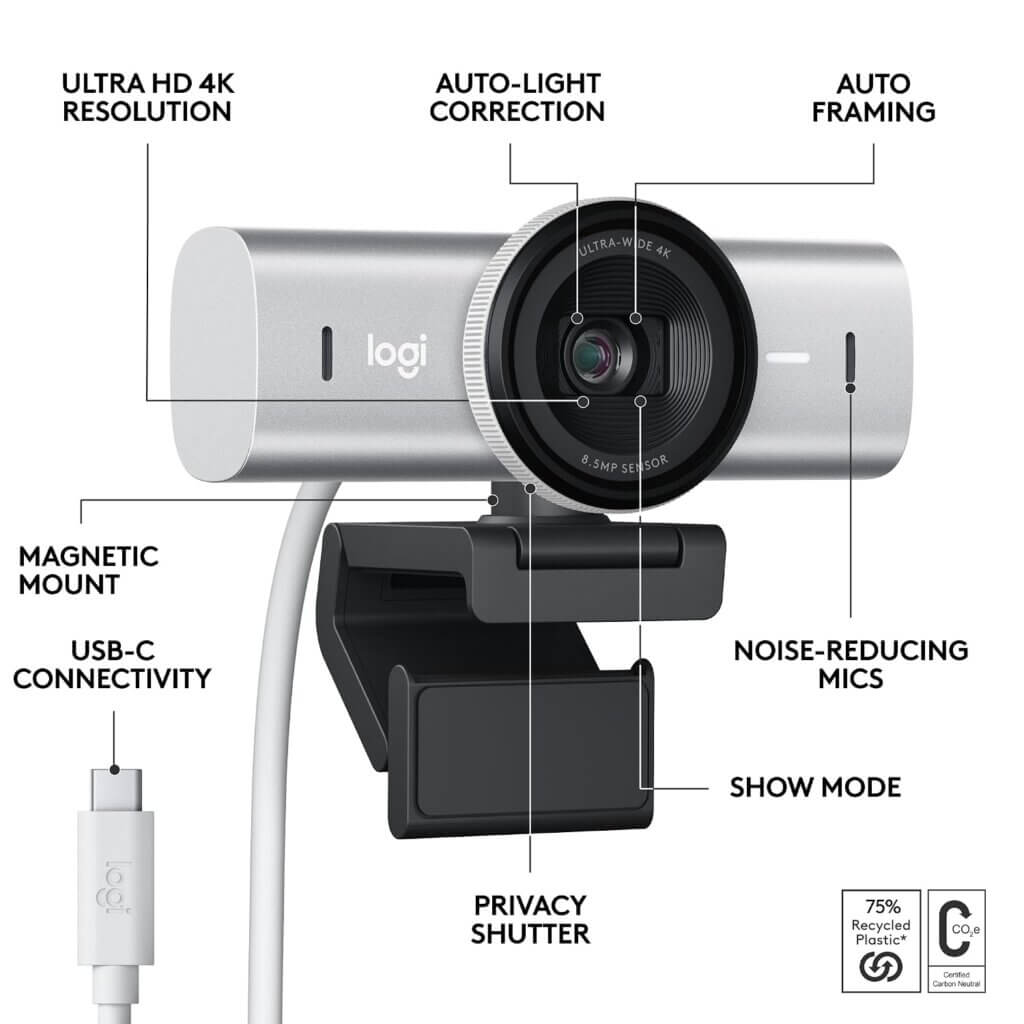
Unlike cheap plastic webcam enclosures that crack and creak, the MX Brio is crafted from low-carbon, sandblasted CNC aluminum:
- Premium Desk Aesthetic: Perfectly matches premium desk accessories like the Keychron Q1 Pro, Elgato Stream Deck, and BenQ ScreenBar Halo.
- Integrated Privacy Ring: Twisting the outer aluminum bezel smoothly deploys an internal physical iris shutter that covers the lens completely, giving you 100% mechanical peace of mind when off-camera.
- Micro-Suction Pad Mount: The monitor mount includes a reusable micro-suction pad that grips the back of your monitor securely, preventing wobbles when adjusting tilt angles.
Also Read
- Elgato Stream Deck MK.2 Review: Ultimate Creator Workflow Controller on AditsBlogs
- Rode Wireless PRO Review: Best 32-Bit Float Wireless System on AditsBlogs
- Comprehensive Display Peripherals & Camera Benchmarks on RTINGS Tech Reviews
4. Granular Software Controls: Logi Options+ and G HUB Precision
Creators who take visual presentation seriously demand manual camera controls rather than relying on inconsistent auto-exposure.
The MX Brio unlocks DSLR-like customization via Logi Options+ and Logitech G HUB:
- Manual ISO & Shutter Speed: Set fixed shutter speeds (e.g., 1/60s for natural motion blur) and cap ISO to prevent noise.
- White Balance & Color Tint Fine-Tuning: Dial in specific Kelvin color temperatures (from 2800K to 7500K) to match your room lighting perfectly.
- Digital Zoom & Pan/Tilt Framing: Adjust between 65°, 78°, and 90° FOV to crop out messy room backgrounds or widen the shot for dual-person streams.
5. Dual Beamforming Microphones & High-Bandwidth USB-C 3.0
The MX Brio is equipped with two omnidirectional beamforming microphones trained with neural network noise suppression:
- Background Voice Isolation: Filters out mechanical keyboard typing, computer fans, and air conditioning hum within a 1.2-meter radius.
- Detachable USB-C 3.0 Cable: Transmits uncompressed, low-latency 4K data streams over USB 3.0, ensuring smooth 60fps at 1080p without digital compression artifacts.
Real-World Performance & Studio/Field Testing
| Production & Meeting Scenario | Field Observations & Benchmark Performance | Creator Verdict |
|---|---|---|
| Dim Ambient Office Lighting (150 Lux) | Facial details remained sharp with natural skin tones; zero color banding. | Outstanding (9.8/10) |
| 4K Video Recording for YouTube/Blogging | Razor-sharp hair and fabric textures; 4K/30fps renders cleanly in Filmora. | Superior (9.7/10) |
| Show Mode Downward Desk Demonstration | Instantaneous gyroscopic image flip; stable downward friction hinge. | Flawless (10/10) |
| Backlit Window Exposure Test (HDR) | Suppressed bright outdoor sunlight while maintaining balanced facial exposure. | Excellent (9.6/10) |
| Beamforming Vocal Intelligibility | Filtered out Keychron mechanical keyboard clicks cleanly during Zoom calls. | Exceptional (9.5/10) |
SHOP NOW ON AMAZON – CHECK LATEST PRICE
Also Read
- Keychron Q1 Pro Review: The Ultimate Custom Mechanical Keyboard on AditsBlogs
- Sony WH-1000XM5 Review: The Undisputed King of Noise-Canceling on AditsBlogs
- In-Depth Camera Optics & Streaming Hardware Reviews on Tom’s Hardware
Strengths vs. Drawbacks (Balanced Editorial Verdict)
The Strengths (Pros)
- Sony STARVIS 8.5MP Sensor: Superb low-light performance and true-to-life skin tone reproduction.
- 4K/30fps & 1080p/60fps Capability: Crystal-clear video resolution for streaming and content creation.
- Innovative Show Mode: Physical downward tilt with automatic image flipping for desk demos.
- Full CNC Aluminum Chassis: Premium build quality with an integrated mechanical privacy ring.
- Deep Software Customization: Granular ISO, shutter speed, color temperature, and FOV controls.
- Detachable USB-C 3.0 Connection: High-speed uncompressed transmission and universal cable compatibility.
The Drawbacks (Cons)
- Premium Price ($199): High investment compared to budget 1080p webcams like the Logitech C920.
- No 4K at 60fps: While 1080p supports fluid 60fps, 4K resolution is capped at 30fps.
- Requires USB 3.0 Port: To achieve full 4K uncompressed bandwidth, plugging into a high-speed USB 3.0 port is mandatory (USB 2.0 downscales video quality).
Who Should Buy the Logitech MX Brio 4K?
- Content Creators & Course Instructors: Perfect for shooting high-resolution talking-head videos, tech tutorials, and desktop product demonstrations on AditsBlogs.
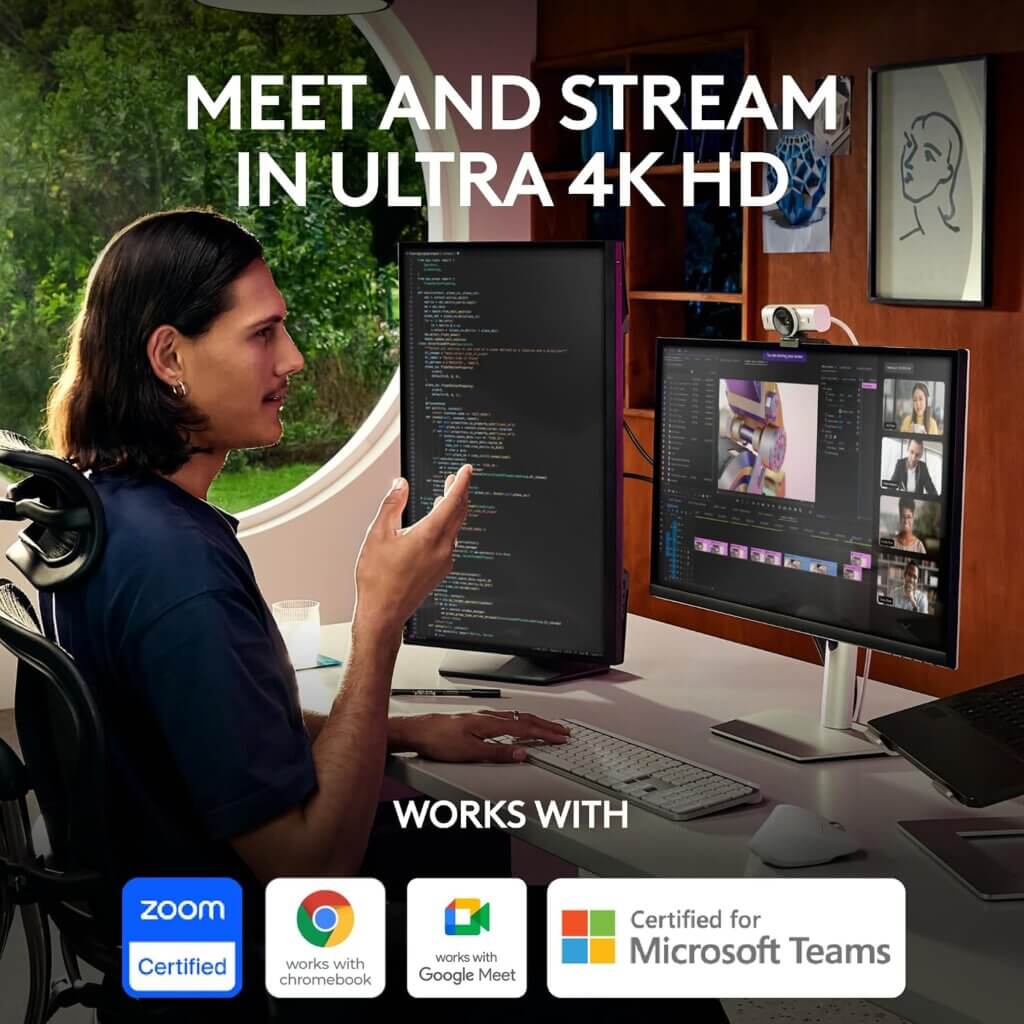
- Remote Executives & Consultants: Upgrades routine Zoom and Microsoft Teams meetings into broadcast-caliber presentations.
- Streamers & Tech Podcasters: The manual exposure controls and G HUB integration provide seamless integration into OBS and multi-camera setups.
Who Should Look Elsewhere?
- Casual Video Callers on a Budget: Users who only need occasional, basic 1080p family calls can save money with the Logitech Brio 500 or C920x.
- Cinematic Filmmakers Seeking Extreme Depth-of-Field: While the Sony STARVIS sensor is exceptional for a webcam, creators seeking extreme shallow depth-of-field (bokeh) should use a dedicated mirrorless camera or the DJI Osmo Pocket 3.
Final Recommendation: Is It Worth It in 2026?
The Logitech MX Brio 4K represents a triumph in desktop optics. By integrating a flagship Sony STARVIS sensor with an inventive Show Mode hinge, granular manual exposure software, and a durable aluminum build, Logitech has created the definitive webcam for serious content creators, digital publishers, and professionals.
For anyone seeking to present their best visual self on AditsBlogs, YouTube, and executive video calls, the Logitech MX Brio 4K delivers exceptional visual polish and rightfully earns our Editor’s Choice Award.