Disclosure: this post may contain affiliate links; AditsBlogs may earn a commission at no extra cost to you.
Affiliate disclosure: This article contains an affiliate link. If you sign up through it, AditsBlogs may earn a commission at no extra cost to you. We have not performed a hands-on test of Moosend for this guide. Product features, trial availability and plan terms can change; review the current details before signing up.
Email automation works best when it answers a real reader need at the right moment. For a blog, that might mean delivering a requested checklist, welcoming a new subscriber, or sending a small series of related lessons. The goal is a useful, permission-based experience—not a bigger pile of messages.
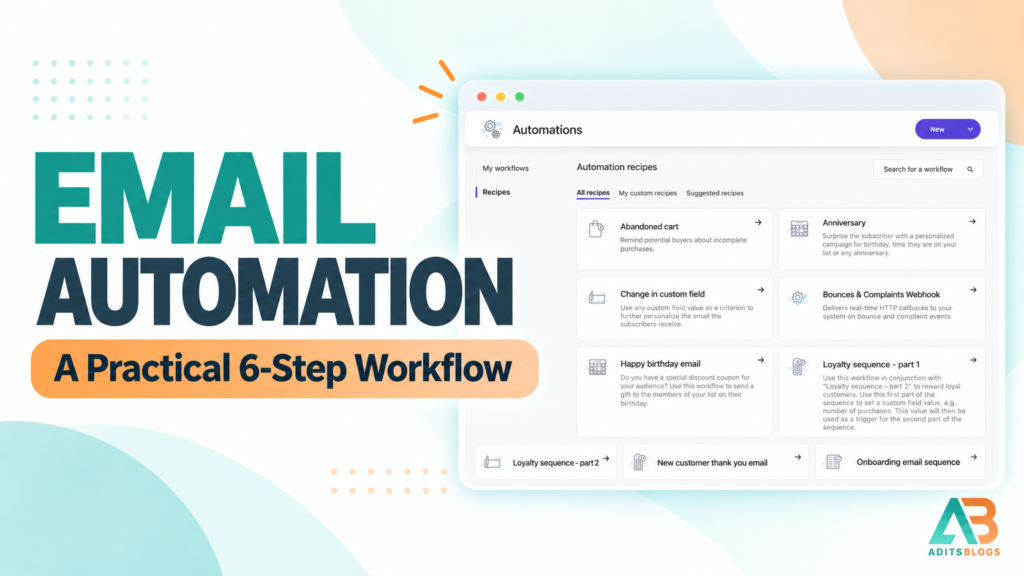
This guide shows how to plan a simple blog email workflow, what to test before turning it on, and where a platform such as Moosend may fit. For a broader comparison, see our email marketing tools for beginners guide.
What is email automation?
Email automation is a set of messages sent in response to a defined event or schedule. A reader may join a list through a form, receive a confirmation, and then get a short welcome sequence. The workflow follows rules you set, such as the start event, wait time, audience conditions, and stop conditions.
Automation does not make an email relevant on its own. The content, consent, timing and audience rules still need human review.
Start with one reader outcome
Choose one useful outcome before opening the workflow builder. Examples include helping a new subscriber find your best beginner articles or delivering a requested resource. Write the outcome in one sentence: “After signing up for the meal-planning checklist, the reader receives the checklist and a short set of related planning tips.”
Keep the promise specific. If the form offers a weekly newsletter, do not silently turn that into a daily product sequence. Explain what readers will receive and how often, and provide an easy unsubscribe option.
A practical six-step workflow
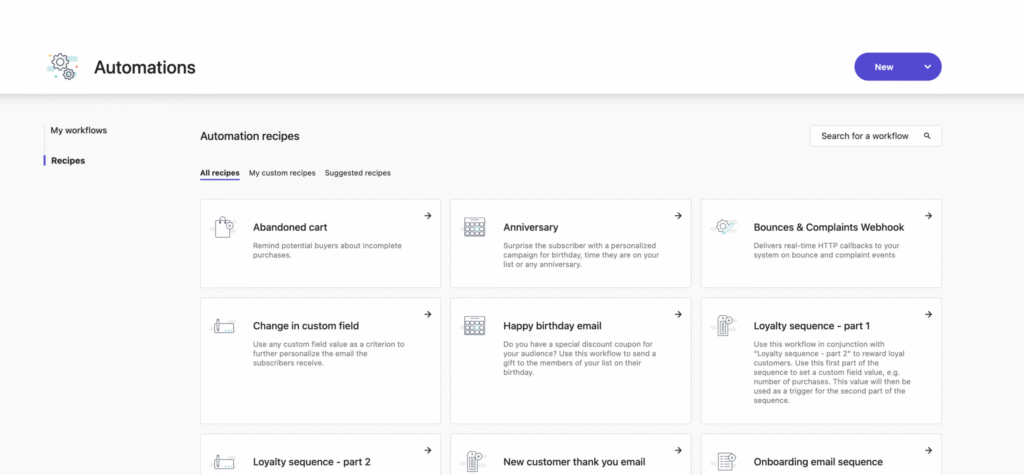
- Set the entry point. Choose the form or signup action that starts the workflow. Use a clear label on the form and collect only information you need.
- Confirm permission and deliver the requested item. Send the promised download or next step promptly. Keep the signup source and consent record so you can manage the list responsibly.
- Send a useful welcome message. Introduce the publication, restate what the subscriber opted into, and point to one genuinely helpful resource. Avoid making the first message a string of sales pitches.
- Add a short, purposeful follow-up. A second message might explain how to use the resource or link to a relevant tutorial. Add a delay that gives the reader time to act; do not add messages just to make the sequence longer.
- Use simple audience rules. Start with information the reader knowingly provided, such as the resource they requested. If you add segments, make the reason understandable and avoid sensitive or speculative inferences.
- Set stop conditions and test. Stop the sequence when someone unsubscribes, becomes ineligible, or completes the action that makes the remaining messages irrelevant. Test the workflow on a separate address from signup to the final step.
Plan the messages before building the automation
Draft each email in a document first. Give every message one job, a clear subject line, and a next step that matches the signup promise. Check that the links work on mobile and that the message still makes sense if images are blocked.
Before launch, verify the sending domain, sender name, reply address, consent language, unsubscribe link, and suppression rules. Follow the privacy and marketing requirements that apply to your audience and location. A platform cannot substitute for a compliant signup process or a permission-based list.
What should you measure?
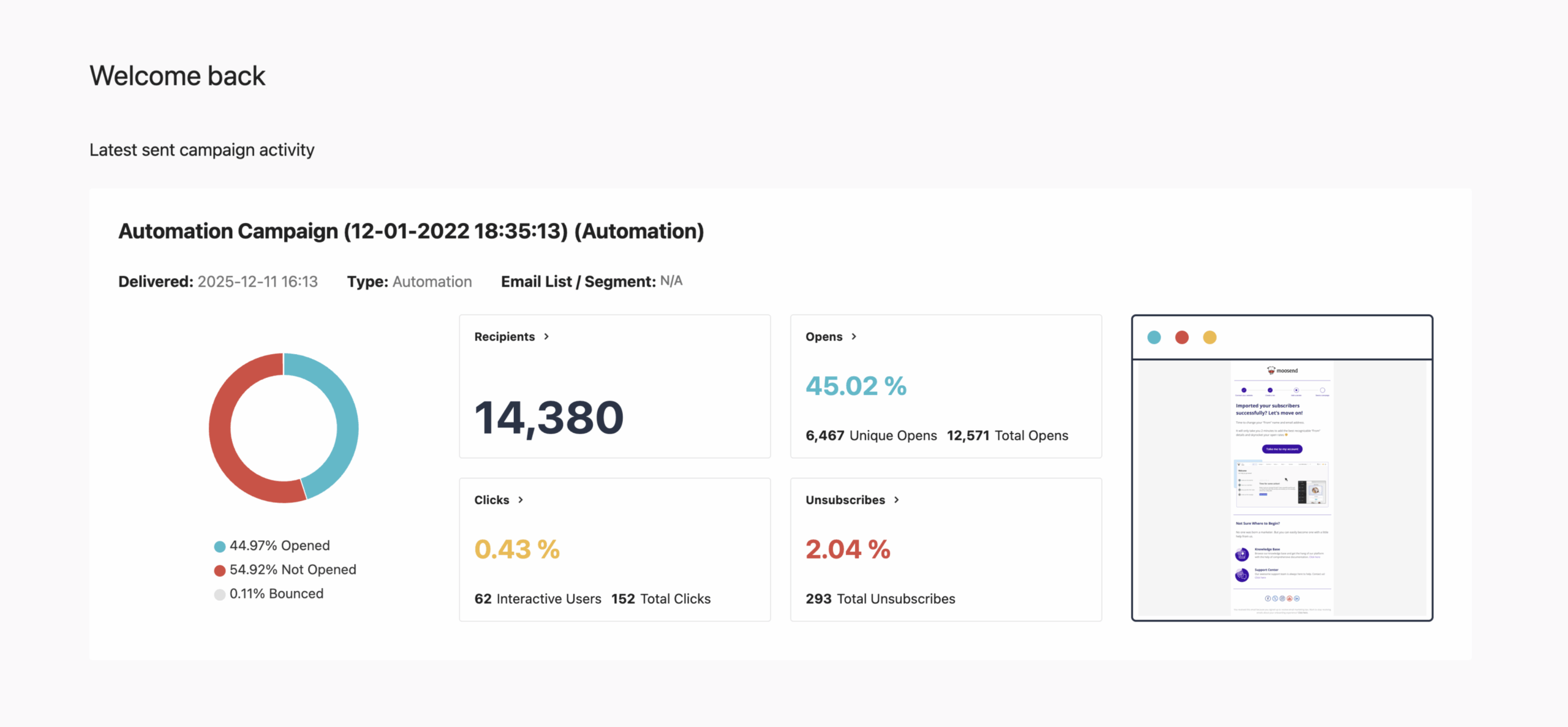
Track delivery failures, unsubscribes, spam complaints, clicks on the main resource, and the action the workflow was meant to support. Compare results with your own baseline and make one change at a time. Open rates can be affected by mail privacy features, so do not treat them as a precise measure of reading.
If a message underperforms, first check the promise, audience fit, timing and link destination. Do not respond to weak engagement by automatically increasing send frequency.
Where Moosend may fit
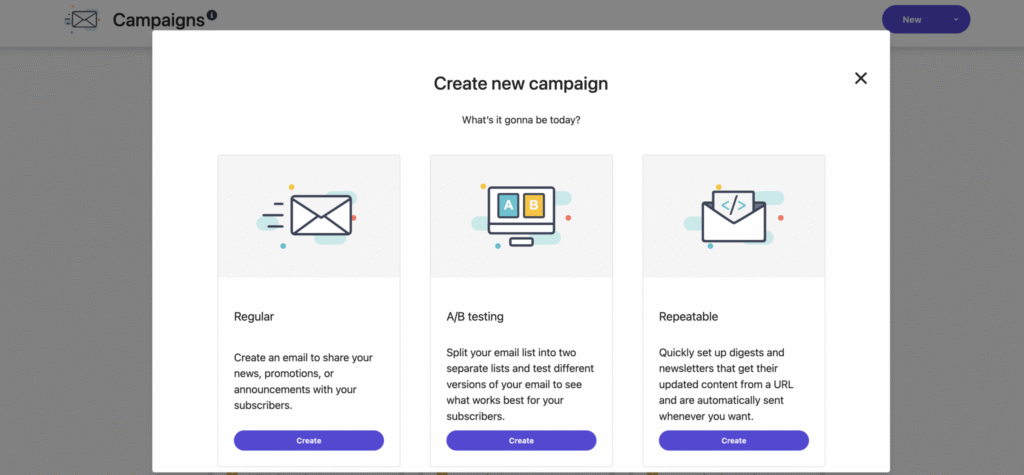
Moosend currently presents email campaigns, marketing automation, subscription forms and landing pages among its product features. Its pricing page describes a 30-day free trial without a credit card, while paid plans depend on the selected contact count and plan configuration. Confirm the current price and included features directly before choosing a plan.
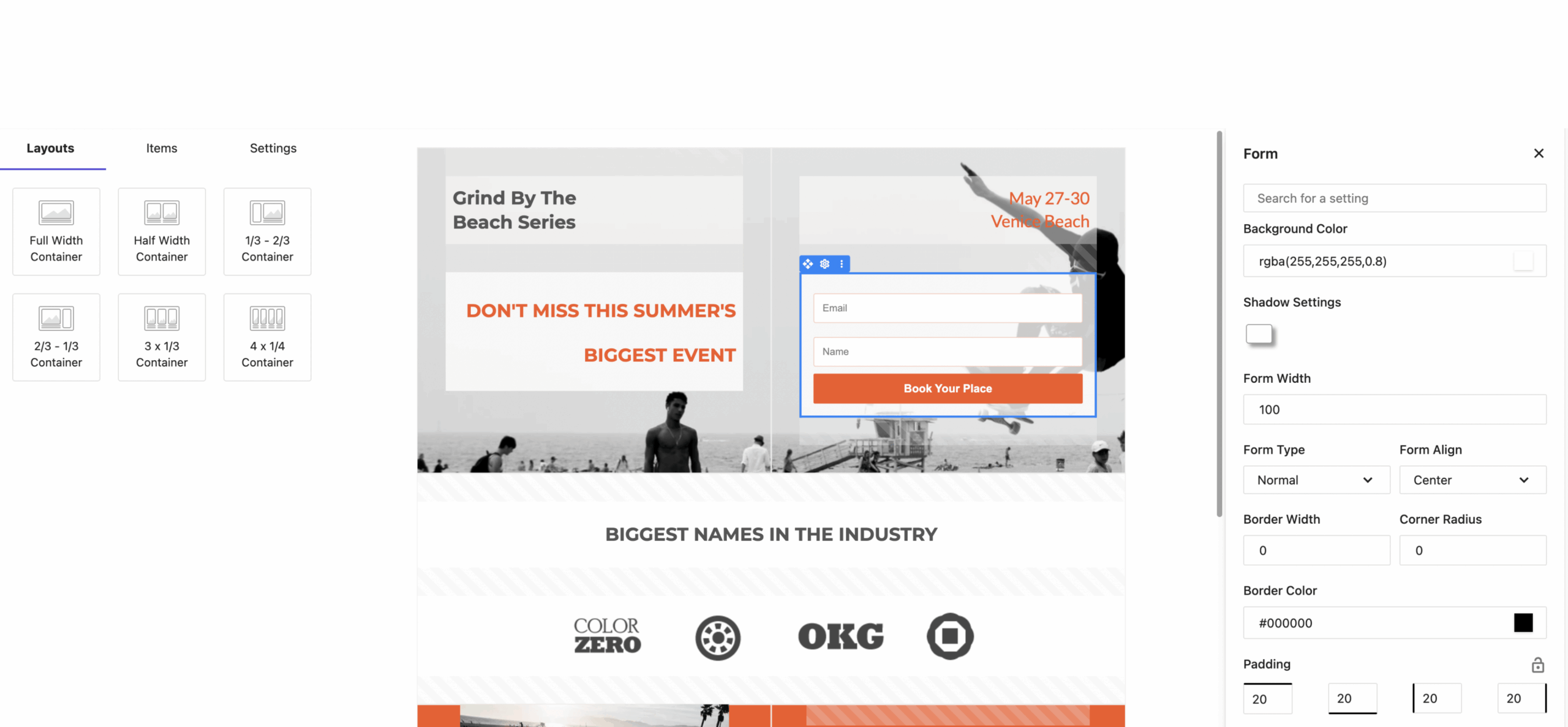
Moosend may be worth evaluating if you want campaign creation and visual automation in one service. Before importing a list, check your contact count, the signup source and consent records, sender-authentication setup, integrations, export options, and the plan details shown for your account. This guide is based on published product information, not an independent performance test.
Review Moosend’s current plans and features. The link is an affiliate link; AditsBlogs may earn a commission if you sign up through it.
Before you switch on a workflow
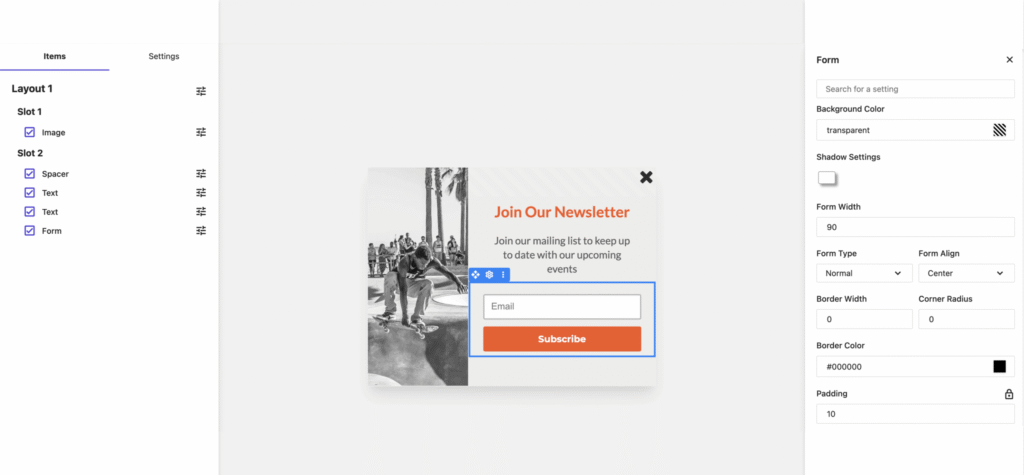
- Does the signup form explain the emails and frequency?
- Does the first message deliver what the reader requested?
- Can a subscriber unsubscribe or update preferences easily?
- Are inactive, bounced and unsubscribed contacts handled correctly?
- Have you tested the automation with a real signup and every exit condition?
- Does the current plan include the features and contact tier you need?
A small, well-tested sequence is easier to maintain than a complex automation built before you understand your readers. Start with one promise, review the feedback and metrics, and expand only when the next message will add clear value.
For more practical publishing resources, explore the AditsBlogs free tools collection and our SEO audit service.
Sources and review note
Product references were checked against Moosend’s current product overview and pricing page. We did not test deliverability, campaign performance or automation behavior for this article.
STAY CONNECTED
More from AditsBlogs, in your inbox
Get occasional updates on new guides, tools, games and creative posts.