As an Amazon Associate I earn from qualifying purchases.
- Why microphone choice matters
- Our top picks (quick overview)
- In-depth reviews
- Rode PodMic — Balanced broadcast tone
- Audio‑Technica ATR2100x — USB + XLR flexibility
- Fifine K669B — Best under-budget performer
- Quick comparison at a glance
- How to choose — USB vs XLR
- Must-have accessories
- FAQ
- Do I need an audio interface for podcasting?
- Is a dynamic mic better than a condenser for podcasts?
- Which mic is best for interviews?
- Affiliate disclosure
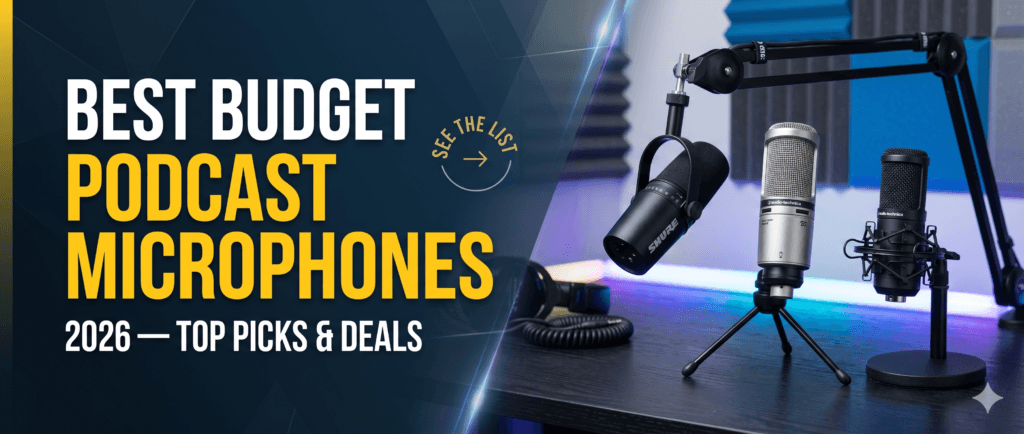
Best Budget Podcast Microphones 2026 — Top Picks & Deals
Disclosure: This post contains affiliate links. If you buy through these links I may earn a small commission at no extra cost to you.
Great audio makes your podcast listenable and professional, even if you’re on a tight budget. Here are the best budget podcast microphones for 2026 — quick recommendations, buying tips, and links to the best deals.
Why microphone choice matters
A good microphone improves clarity, reduces listener fatigue, and raises perceived production value. Choosing the right mic for your space and workflow is more important than buying the most expensive model.
Our top picks (quick overview)
- Rode PodMic — Best value for broadcast-style sound (XLR).
- Audio‑Technica ATR2100x — Best USB/XLR versatility for growth.
- Fifine K669B — Best ultra-budget USB option for beginners.
In-depth reviews
Rode PodMic — Balanced broadcast tone
Pros: Warm, broadcast-style tone; rugged build; excellent for treated rooms and dynamic voice work.
Cons: XLR only (needs an interface), heavier than many USB mics.
Who it’s for: Podcasters building a studio setup or those who want a durable, broadcast sound.
Audio‑Technica ATR2100x — USB + XLR flexibility
Pros: Dual USB/XLR connectivity, great value, solid vocal clarity for spoken word.
Cons: Slightly less “broadcast” warmth than dedicated broadcast mics.
Who it’s for: Creators who want plug-and-play simplicity now and upgrade options later.
Buy Audio-Technica ATR2500x-USB on Amazon
Fifine K669B — Best under-budget performer
Pros: Extremely affordable, plug-and-play USB, decent clarity for the price.
Cons: Not studio-grade, may pick up room noise in untreated spaces.
Who it’s for: New podcasters testing formats and workflows on a small budget.
Quick comparison at a glance
| Microphone | Connectivity | Price range | Best for |
|---|---|---|---|
| Rode PodMic | XLR | Mid | Broadcast tone, studio setups |
| ATR2100x | USB/XLR | Mid | Beginners who may upgrade |
| Fifine K669B | USB | Low | Ultra-budget creators starting out |
How to choose — USB vs XLR
- USB: Choose USB for plug-and-play simplicity if you record solo and want fewer devices.
- XLR: Choose XLR for upgrade paths, better preamps, and multi-mic studio setups — you’ll need an audio interface or mixer.
- Room and treatment: If your recording room is untreated, dynamic mics typically reject room noise better than condensers.
Must-have accessories
- Mic arm or boom: Stabilizes and positions the mic for consistent sound.
- Pop filter or windscreen: Reduces plosives and breath noise.
- Shock mount and foam or basic acoustic treatment: Minimizes handling noise and reflections.
FAQ
Do I need an audio interface for podcasting?
Not if you choose a USB mic; pick XLR only if you plan to upgrade and use an interface for better preamps and multi-mic recording.
Is a dynamic mic better than a condenser for podcasts?
Dynamic mics usually perform better in untreated rooms because they reject room noise better; condensers capture more detail but benefit from room treatment.
Which mic is best for interviews?
For remote interviews, USB is easiest; in-studio interviews with multiple mics usually benefit from XLR setups. The ATR2100x covers both use cases.
Affiliate disclosure
This post contains affiliate links. If you buy through these links I may earn a small commission at no extra cost to you. Your support helps me test gear and produce more helpful guides.