
Disclosure: this post may contain affiliate links; AditsBlogs may earn a commission at no extra cost to you.
Affiliate disclosure: We may earn a commission if you buy through our link; your price is unchanged.
A visual page editor can help a small business build campaign pages without hand-coding every section. The right question is whether it makes your publishing workflow easier while keeping pages fast, accessible and maintainable. This guide focuses on evaluation criteria; features and plan terms can change, so review the current offer before subscribing.
Featured photo credit: Carriza Maiquez via Unsplash.
Start with the page’s job
For a lead-generation page, define one audience, one offer and one primary action. A page editor is useful when it helps you arrange the headline, proof, service details, form and call to action consistently. It does not create a compelling offer or bring traffic by itself.

Evaluate these four points
- WordPress fit: confirm the editor works with your theme, forms, analytics and any essential plugins.
- Responsive controls: inspect the mobile layout, tap targets and form behavior, not only the desktop preview.
- Performance: test the finished page with real images and scripts. A visual builder cannot guarantee strong Core Web Vitals.
- Total cost: compare current plan pricing, renewal terms, site limits and any extra tools you would still need.

Keep the conversion path simple
Use a concise headline, explain who the service helps, show credible examples, make the form easy to complete and state what happens after submission. Avoid adding multiple competing buttons. Before launch, test form delivery, confirmation messages, tracking and accessibility with a keyboard and screen reader where possible.

Who should consider a paid editor?
It may suit a WordPress owner who regularly builds branded pages and values visual control. A default block editor or a simpler theme may be enough for a basic site with few landing-page changes. Compare the current Elementor Editor offer against your actual needs, and make a backup before changing a live site.

Explore the Elementor offer: View Elementor through AditsBlogs. Confirm the product, plan, current price and billing frequency on the destination page.
Want practical resources and original stories? The AditsBlogs Premium Library offers one-time US$2 reading access with no recurring charge.
What current users say
Public review platforms point to a mixed but useful picture. G2 currently shows Elementor at 4.4/5 from 465 reviews, with reviewers commonly valuing the visual editor, responsive controls, templates and faster client-site production. Some reviewers also mention bugs, reliability or a learning curve, so a buyer should test the workflow on a staging site before committing.
WordPress.org currently lists the plugin at 4.5/5 overall. Trustpilot shows a 4.4/5 TrustScore from 4,355 reviews; recent review themes include helpful support and quick responses, alongside complaints about automated support, billing or account-resolution experiences. These are platform-level snapshots, not a guarantee of any individual outcome.
Our practical reading: Elementor may be a strong fit for creators who value visual control and reusable design systems. It is less suitable for anyone expecting a builder alone to guarantee speed, conversions, support outcomes or a trouble-free migration.
See G2 review details · See WordPress.org ratings · See Trustpilot reviews. Ratings and review counts checked 29 October 2026 and may change.
Product visuals and official video
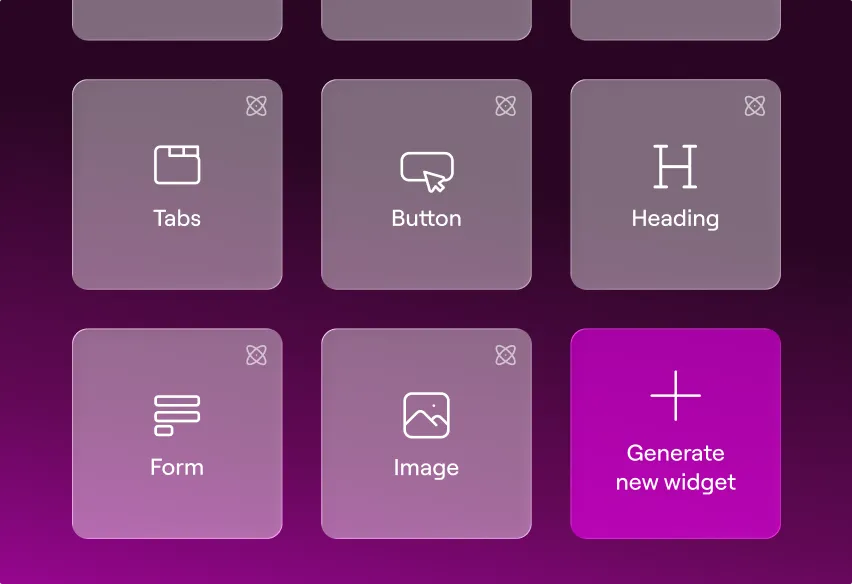

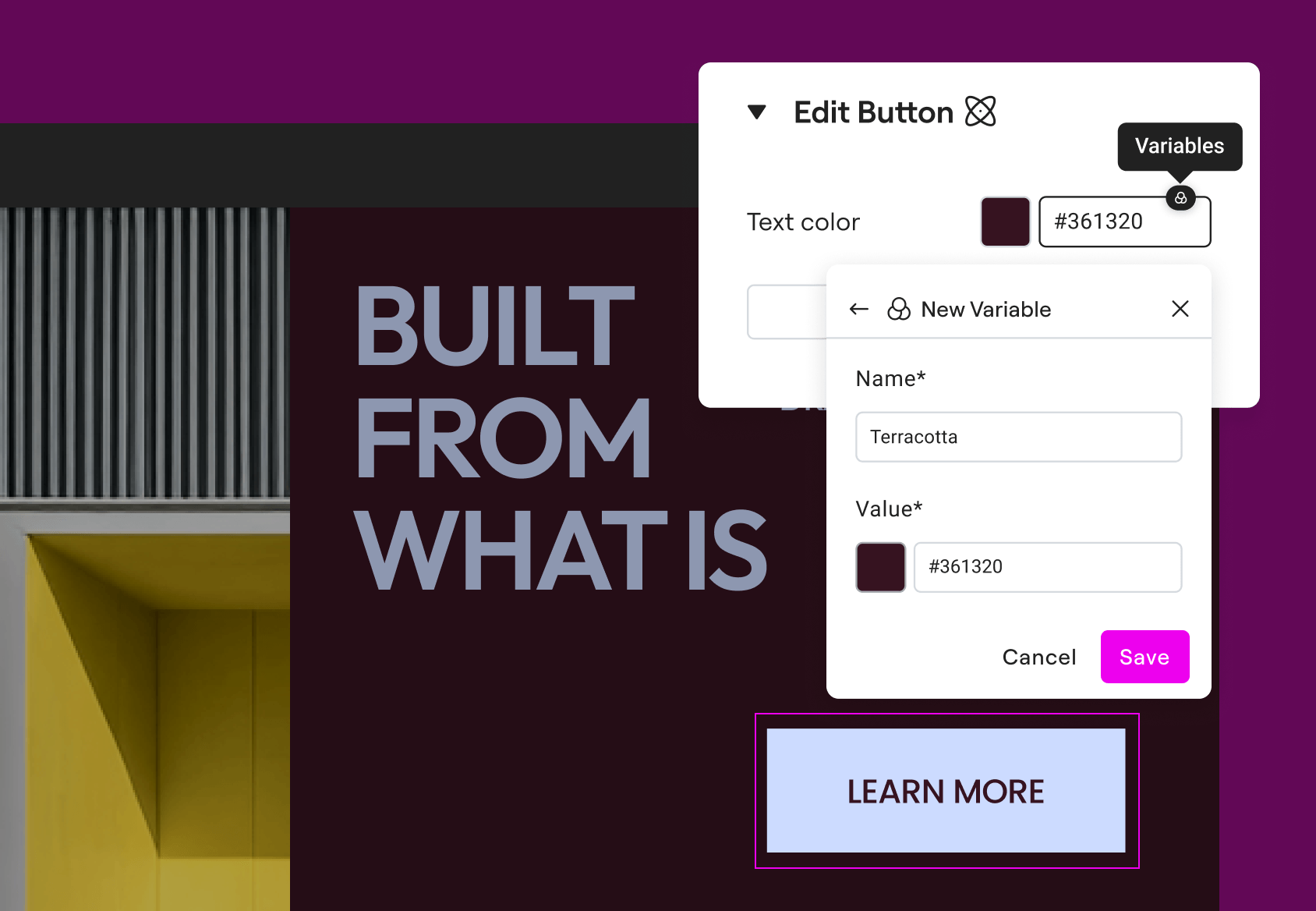
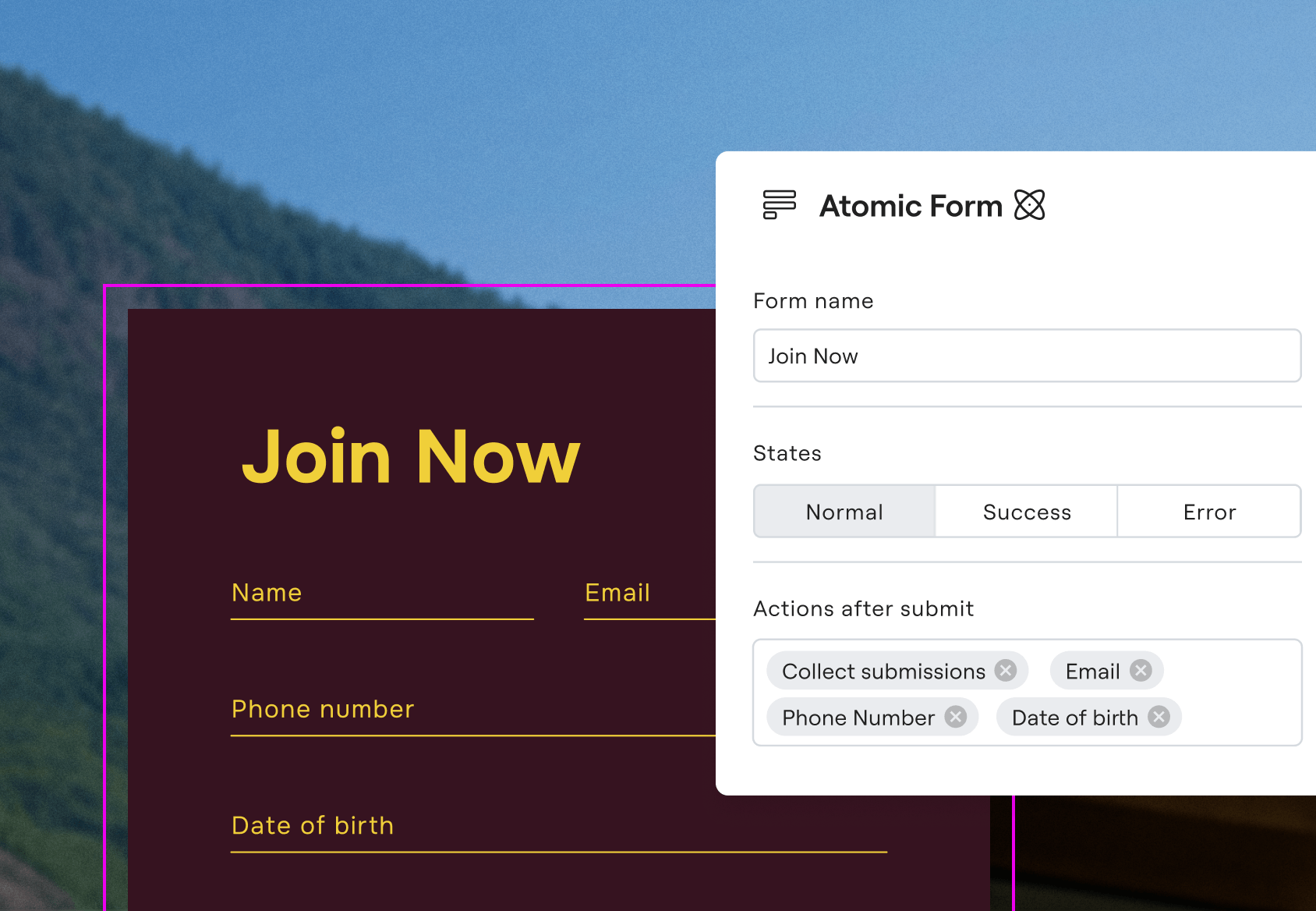

Watch an official tutorial: Responsive Editing for Mobile and Tablets.
Sources
- Elementor affiliate program and product overview
- Google Search Central: page experience guidance
- Elementor Help: responsive design and editing
STAY CONNECTED
More from AditsBlogs, in your inbox
Get occasional updates on new guides, tools, games and creative posts.

