Disclosure: this post may contain affiliate links; AditsBlogs may earn a commission at no extra cost to you.
- Who Moosend is best for
- Core capabilities to evaluate
- Pricing: what to check before subscribing
- A simple first automation worth building
- Pros and limitations
- Potential strengths
- Limitations to check
- Moosend vs doing it manually
- When Moosend may not be your best choice
- Final verdict
- Frequently asked questions
- Is Moosend suitable for beginners?
- Can I use Moosend for a service business?
- Does an email tool guarantee sales?
Disclosure: This review contains affiliate links. If you choose Moosend through an eligible link, AditsBlogs may earn a commission at no extra cost to you. Pricing, features and availability can change, so confirm the current details on Moosend’s checkout page before paying.
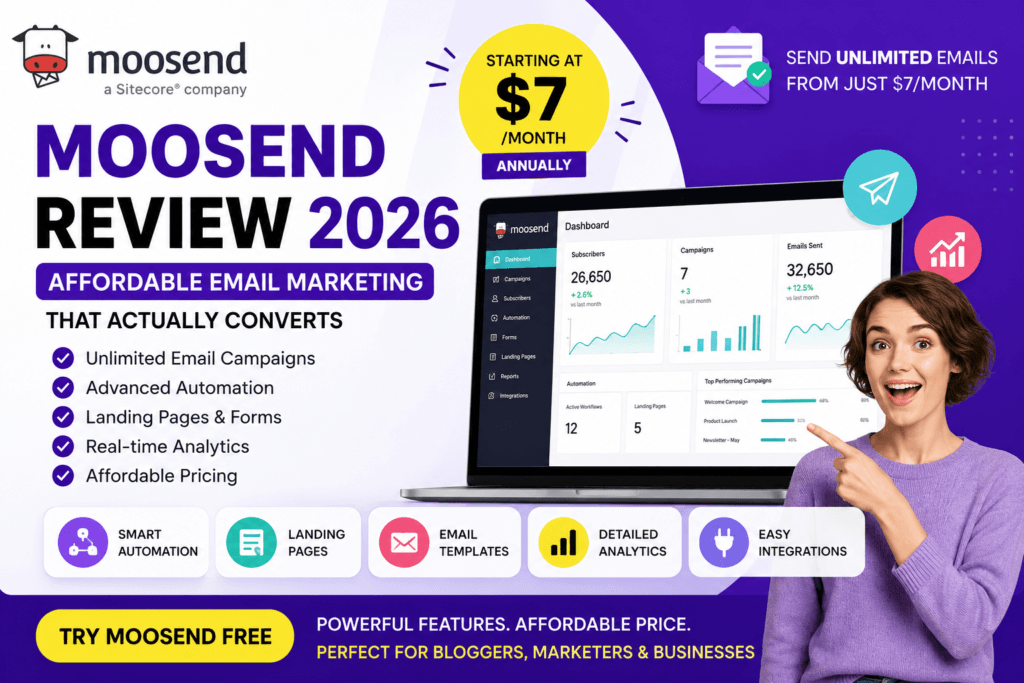
Moosend is an email-marketing platform built for people who want to create campaigns, signup forms and automated follow-ups without starting with an enterprise-level tool. This review focuses on the practical decision: whether Moosend fits a blogger, service business, small online store or agency—and when another route may be better.
Who Moosend is best for
- Bloggers and creators building a welcome sequence, lead magnet delivery or weekly newsletter.
- Service businesses that need consistent follow-up after a quote, consultation or download.
- Small ecommerce teams that need campaign and automation options but should verify their store integration first.
- Small agencies that want a usable campaign workflow without excessive complexity.
Core capabilities to evaluate
Moosend’s appeal is the combination of email campaigns, drag-and-drop design tools, forms, landing-page functionality, list management, reporting and automation workflows. The valuable part is not simply sending a newsletter; it is being able to trigger useful follow-ups after a subscriber takes an action.
- Campaigns: create regular newsletters and promotional emails.
- Automation: build welcome, nurture, re-engagement and other workflow sequences.
- Lead capture: collect subscribers through forms and landing pages.
- Segmentation: send more relevant messages based on subscriber information or behaviour where your plan supports it.
- Reporting: use campaign data to improve subject lines, offers and follow-up timing.
Pricing: what to check before subscribing
Email-platform pricing changes regularly and is usually based on contacts, sending needs and feature access. Rather than relying on a fixed price in a review, check the live Moosend pricing page for your list size, monthly versus annual billing, automation access, transactional-email requirements, support level and any trial conditions.
Do not import a list that has not clearly consented to receive your emails. A cheap plan cannot solve deliverability problems caused by poor list quality. Start with a permission-based list, a useful welcome email and a simple unsubscribe process.
A simple first automation worth building
- Create one focused signup offer: a checklist, quote request, product update or useful guide.
- Send the promised resource immediately.
- Send a short follow-up that explains one useful next step.
- Share a relevant case study, tool or service only when it genuinely matches the subscriber’s reason for joining.
- Review opens, clicks, replies and unsubscribe signals before expanding the sequence.
For example, a local service business can follow up after a consultation request. A blog can welcome readers after they download a checklist. A store can plan post-purchase education. The workflow should support a real customer decision, not create more unwanted email.
Pros and limitations
Potential strengths
- Campaign, form and automation tools in one platform.
- Suitable starting point for smaller teams.
- Useful for list-building and structured follow-up.
- Can support both content and service funnels.
Limitations to check
- Plan limits and prices can change.
- Your preferred integration may need separate verification.
- Advanced transactional or enterprise needs may require another solution.
- Automation only works well when your customer data and consent are handled correctly.
Moosend vs doing it manually
Manual follow-up is acceptable when you have a very small number of leads and a simple service. Once you are repeatedly sending the same welcome messages, reminders or campaign emails, an email platform can save time and make the experience more consistent. It does not replace a strong offer, clear copy or a trustworthy website—those still come first.
When Moosend may not be your best choice
- You only need to send occasional one-to-one emails.
- You need a specific enterprise CRM or commerce integration that Moosend does not support on your required plan.
- You have not yet decided what subscribers will receive after joining.
- You need someone to create the landing page, content and lead funnel—not only the software.
AditsBlogs can help with SEO content, landing-page copy and the content system that gives an email tool something valuable to send.
Final verdict
Moosend is worth shortlisting if your goal is to turn a consent-based subscriber list into a clear campaign and follow-up system. Review the current plan details, test the workflow you actually need and make sure the platform fits your integrations before committing. The right email platform is the one your team can use consistently with helpful content and responsible list practices.
See current Moosend plans and features →
Frequently asked questions
Is Moosend suitable for beginners?
It can be a practical option for beginners who need campaigns, forms and basic automation. Start with one welcome sequence rather than building many workflows at once.
Can I use Moosend for a service business?
Yes, where you use it to send permission-based follow-up after a genuine enquiry, consultation or resource download. Check the current plan and integration requirements before you decide.
Does an email tool guarantee sales?
No. Results depend on your offer, list quality, consent, timing, content and follow-up. Software supports the process; it cannot replace those fundamentals.
STAY CONNECTED
More from AditsBlogs, in your inbox
Get occasional updates on new guides, tools, games and creative posts.